
Welcome to SnazzyFoto
What SnazzyFoto is, its five parts, what is free and what a Supporter donation adds, what you need, and how this Help Center works.
SnazzyFoto is a photo app for your computer with AI that runs offline. Edit photos in layers, fix their light and colour, give portraits a new background, swap faces and make collages, all in one window. It is free to use, with no watermark and no account.
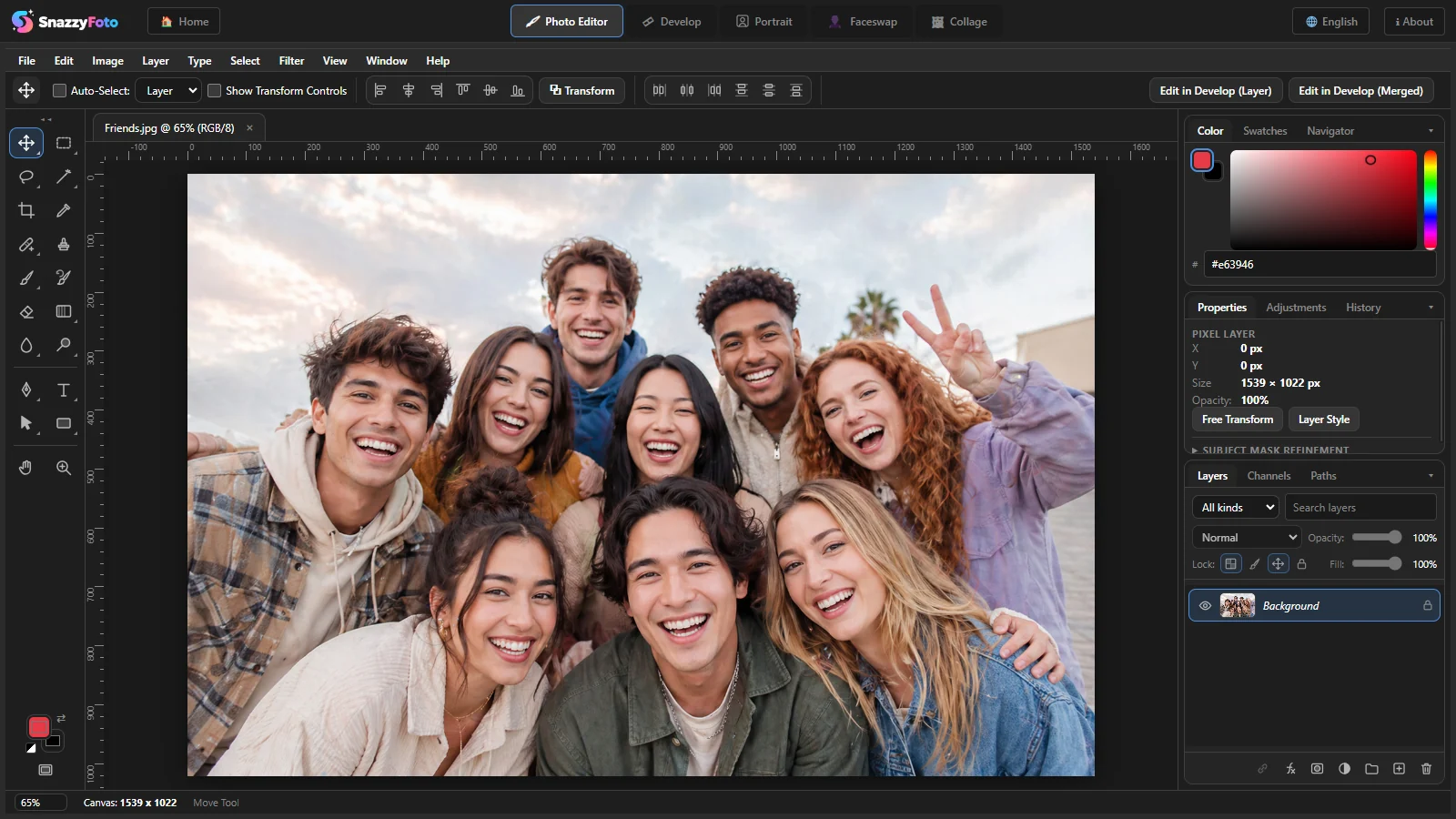
Five tools in one app
SnazzyFoto has five parts, called modules. You switch between them with the tabs at the top of the window.
| Module | What it is for |
|---|---|
| Photo Editor | Edit a picture in layers: brushes, selections, masks, text, shapes, adjustments and filters. Save your work as a .snazzy project to keep editing later. |
| Develop | Fix light and colour: exposure, white balance, curves, presets and LUTs, crop and straighten, masks and lens fixes, a new sky, a blurred background, 360° photos. Work on one photo or a whole folder. Your original files are never changed. |
| Portrait | For photos of people: a new background (blurred, a colour, a sky, your own picture), face retouching, and ID photos laid out ready to print. |
| Faceswap | Put a face from one photo onto a person in another photo, also for group photos with several faces. Supporter |
| Collage | Lay out two to six photos in one picture, with gaps, rounded corners and a background colour. |
The modules work together. With Send to… a picture goes from one module to another in one click, at full size — see Send a picture to another module.
AI on your computer
The AI tools — Faceswap, Select Subject (cut out the person or object in a photo), Remove with AI, Portrait's backgrounds and face tools, and in Develop the AI masks, Sky Replacement, Lens Blur and AI Denoise — run on your own computer. Your photos are never uploaded. The AI files are downloaded once, the first time you use a feature that needs them; after that the feature works offline too. To work fully offline from the start, download them all at once — see AI downloads.
Free and Supporter
SnazzyFoto is free to use. A one-off donation (pay what you want, from a small minimum) makes you a Supporter and unlocks the rest on your computer.
| Free | Supporter | |
|---|---|---|
| Photo Editor, Develop and Collage — every tool | ✓ | ✓ |
| No watermark, no account, works offline (the AI files are downloaded once) | ✓ | ✓ |
| Export and copy to the clipboard | Up to 2048 pixels on the long side | Full resolution |
| AI Faceswap, AI Select Subject and Remove with AI | — | ✓ |
| Portrait: new backgrounds and face retouching (the ID photo layout is free) | — | ✓ |
| Camera RAW files | — | ✓ |
| In Develop: AI masks (subject, sky, depth range), Sky Replacement, Lens Blur, AI Denoise, HDR merge, auto-sort | — | ✓ |
| Panoramas | Up to 1000 pixels on the long side | Full resolution |
| Colour themes | Dark only | ✓ |
- 2048 pixels on the long side means a picture is at most 2048 pixels wide (or tall, for an upright picture) when it leaves SnazzyFoto. That is plenty for social media and screens. Smaller pictures are not changed.
- One donation unlocks one computer. Donate again to add another one.
- It is a one-off donation, not a subscription. After you activate, SnazzyFoto never needs the internet to stay unlocked.
To donate, click Donate & activate on the Home screen or choose Help › Support SnazzyFoto… in the Photo Editor. See Free and Supporter for the details.
What you need
| Computer | Windows 10 or Windows 11, 64-bit. A Mac version is listed on the Download page only when one is available. |
| Memory | 8 GB or more is recommended. Big photos and the AI tools use a lot of memory. |
| Disk space | The app itself is small (the installer is about 150 MB). With every AI download, SnazzyFoto takes about 3 GB, plus room for your photos. |
| Screen | 1280×800 or larger. The window does not get smaller than 1200×760. |
| Graphics | Develop and Portrait draw with the graphics chip (WebGL 2). The graphics built into the processor (Intel, AMD, Apple) are enough; a separate graphics card is not needed. On a computer without usable graphics they still work, only slower. The AI tools run on the processor. |
| Internet | Not needed to edit. You need it to download SnazzyFoto, to download each AI feature's files once (see AI downloads), and to donate and activate. |
How this Help Center works
The articles are in seven sections. Start with Getting started if you are new. The others you can read when you need them.
In the articles, words in a box like this are exactly what you see on screen, and keys look like Ctrl + S. Numbers on a picture match the numbered list below it.