Develop
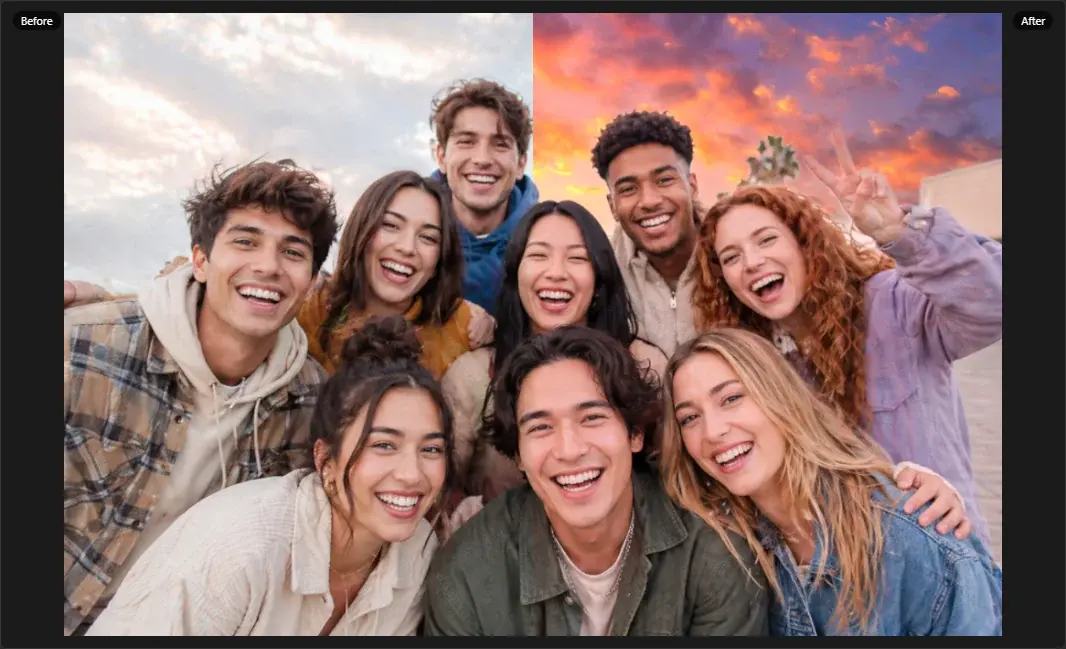
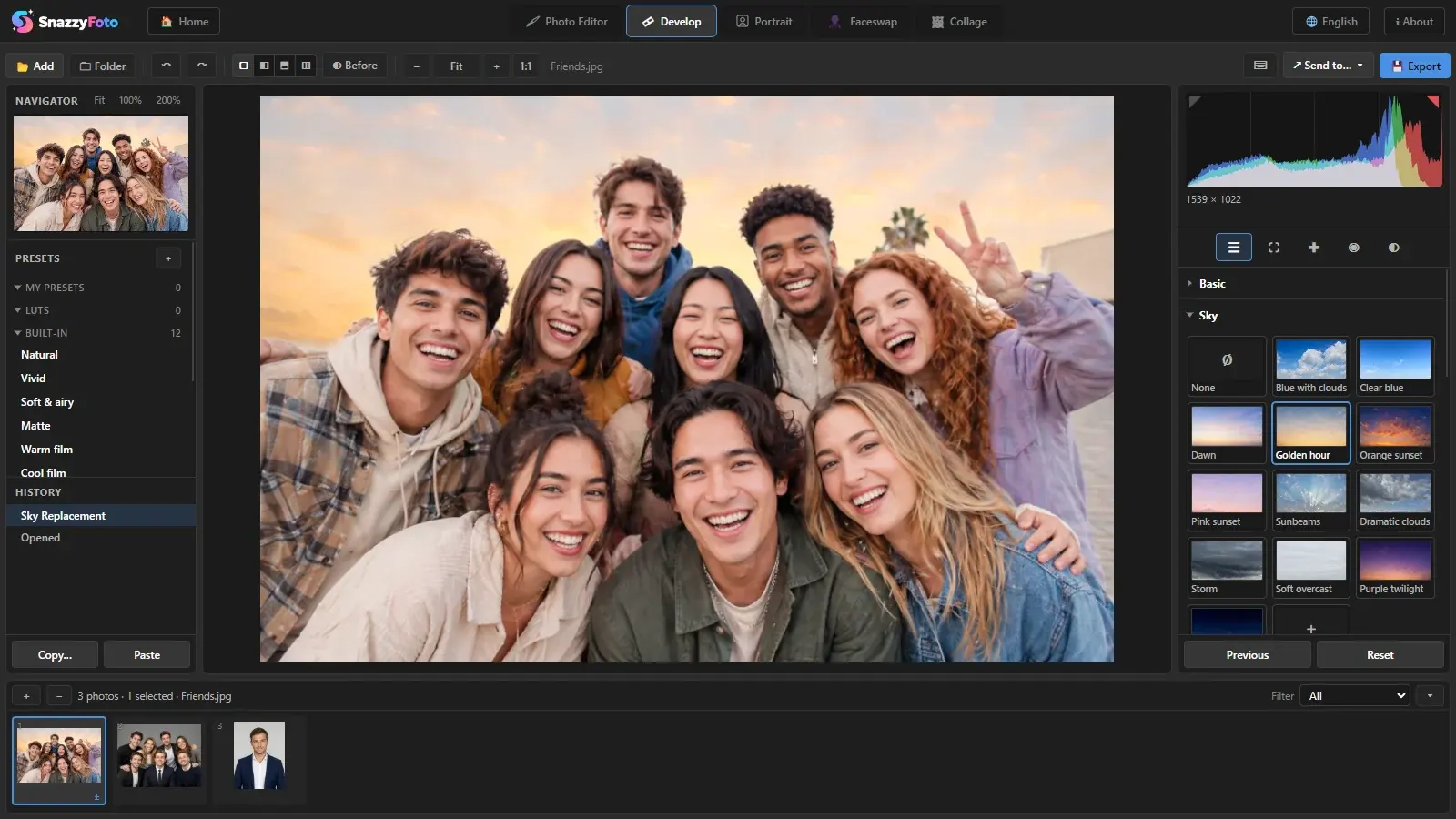
Light, colour and a new sky — right on your RAW files.
Edit a whole shoot at once: RAW from every major camera, AI masks for subject and sky, lens blur, HDR and panoramas.
- RAW with AI Denoise
- 12 built-in skies
- HDR and panorama merge

From the first RAW to the finished print album — layers, Develop, Portrait and camera tethering in one app. The AI runs on your PC, so nothing is uploaded.
Two apps, one account — both free to start.
SnazzyFoto
Four things photographers use every day. Every other tool is on the SnazzyFoto page.
Develop
Edit a whole shoot at once: RAW from every major camera, AI masks for subject and sky, lens blur, HDR and panoramas.
Portrait
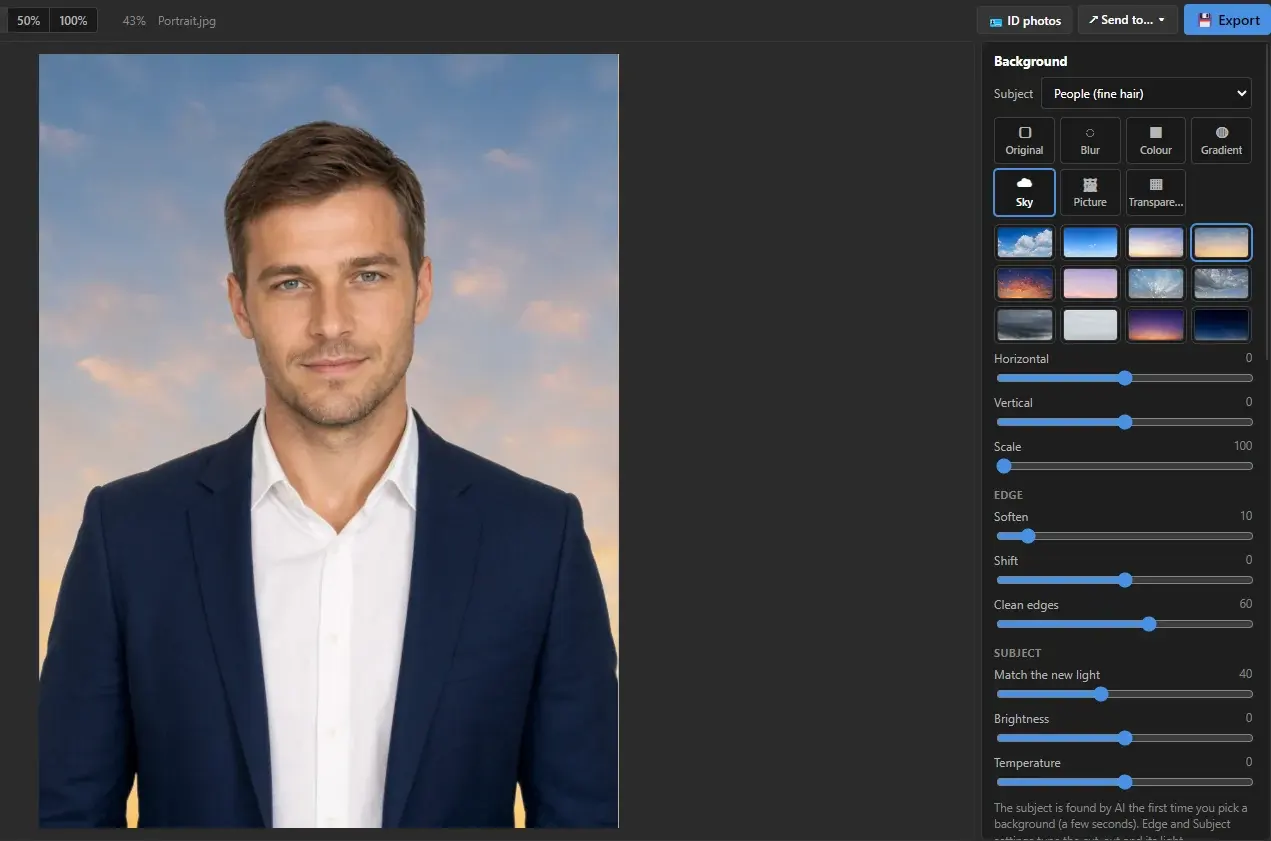
Replace the background, shape the face and smooth the skin with simple sliders, then print ID photos in standard sizes.
Tethering
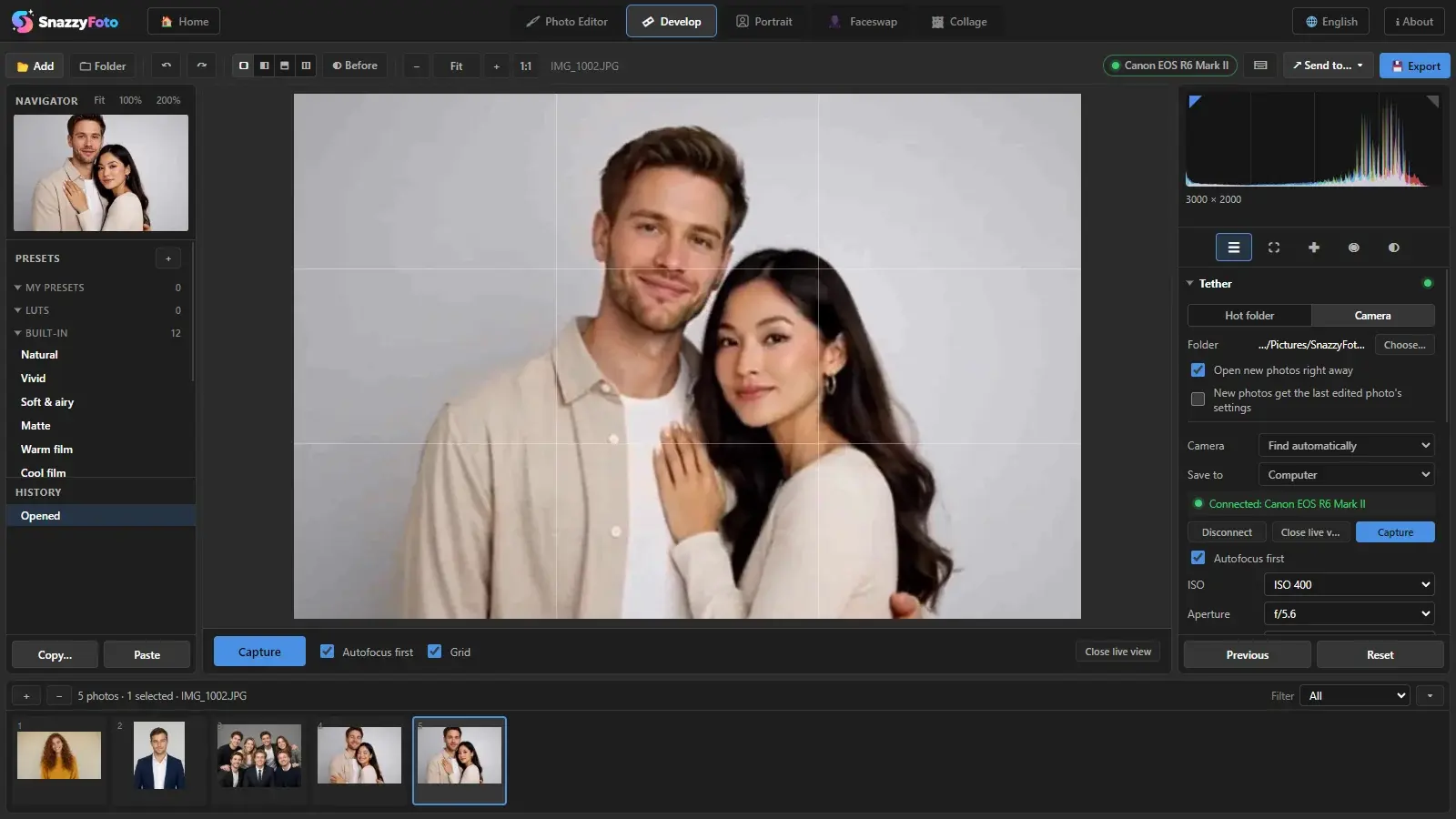
Connect a Canon, Nikon or Sony camera over USB. Live view, camera settings and every shot opens in Develop — ready for your client to see.
Photo albums
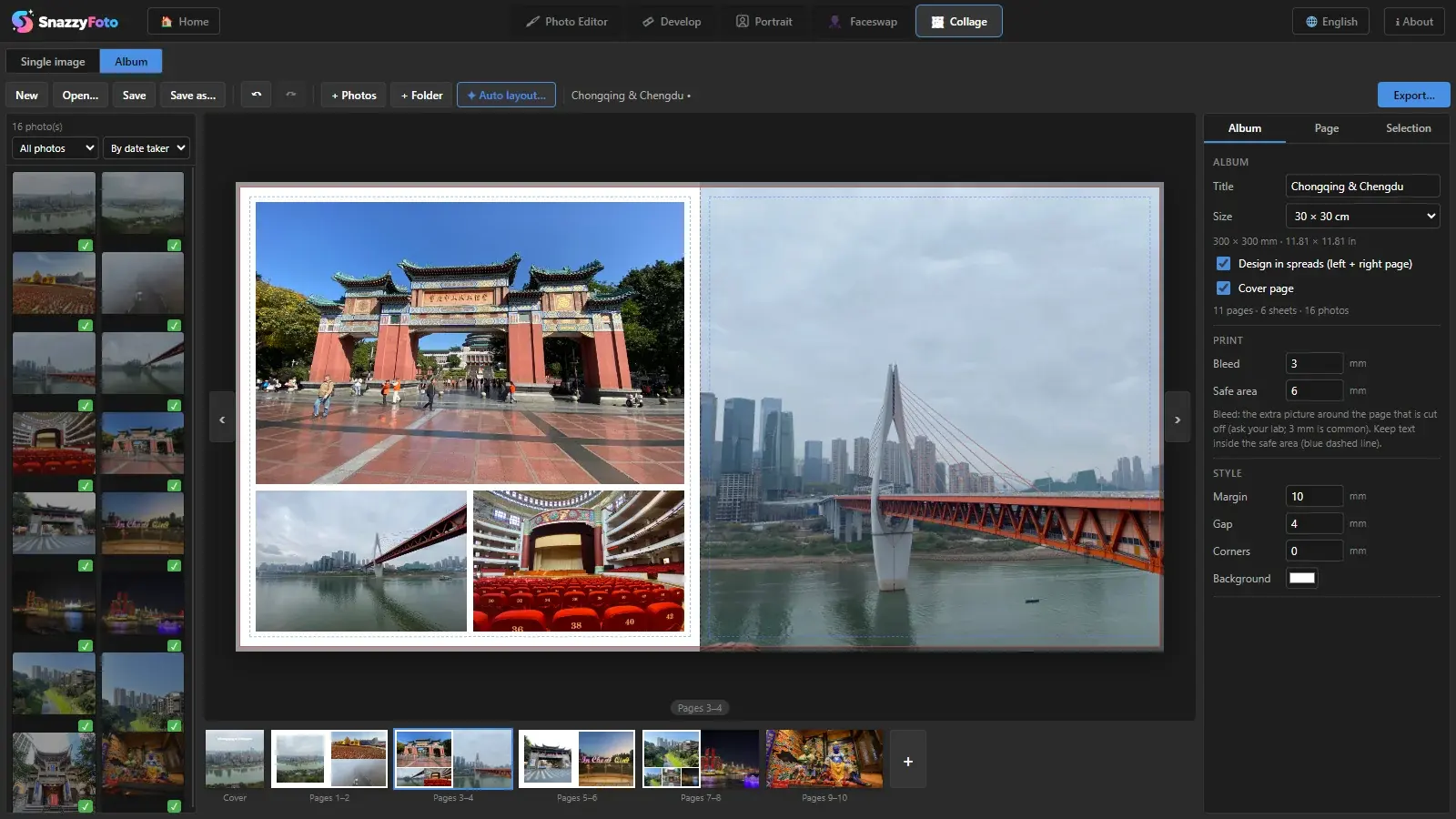
Lay out a whole photobook in spreads, with a cover. Auto layout fills the pages; export a CMYK PDF/X-1a with bleed and crop marks.
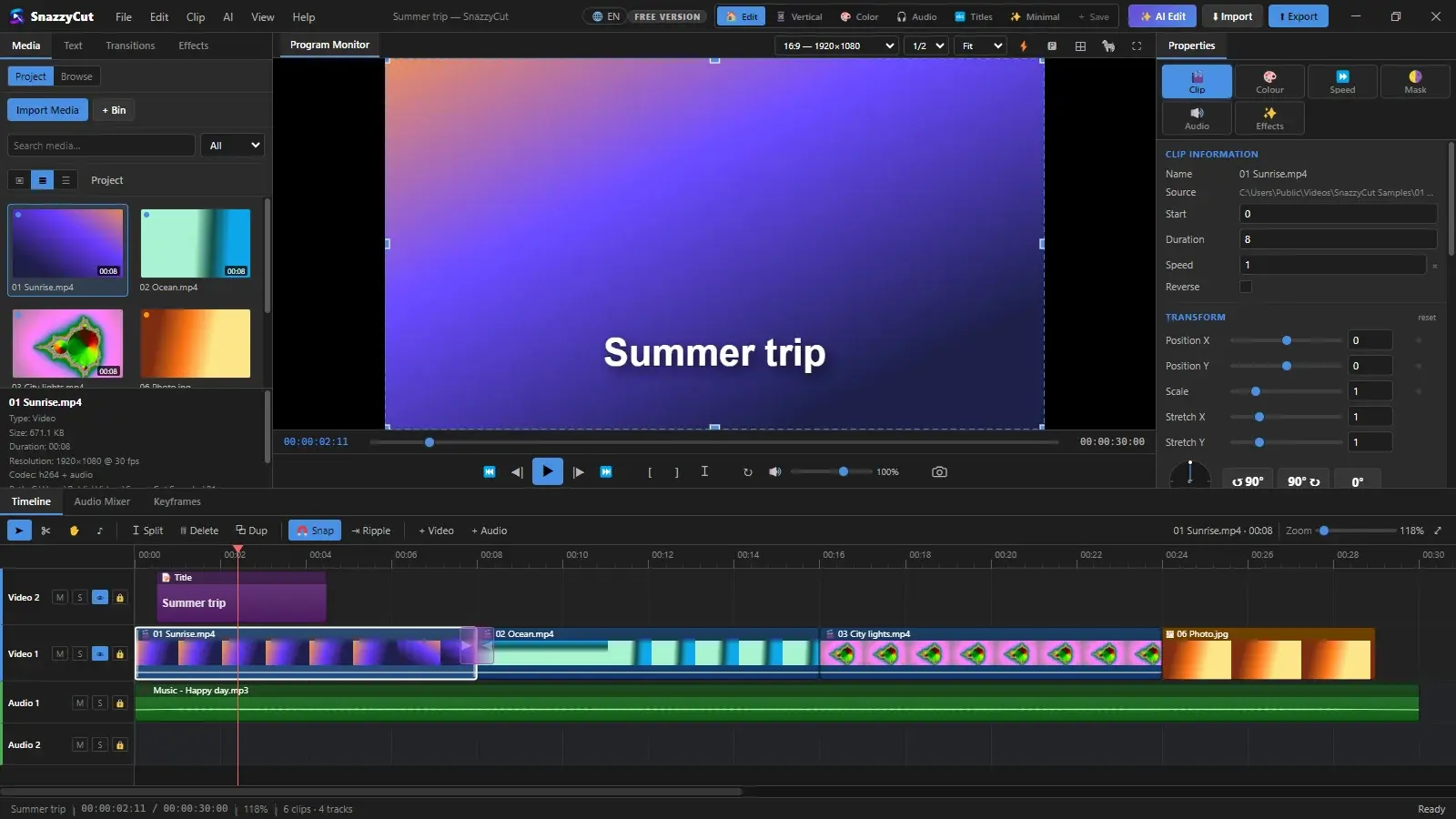
Drop your clips in and get a first cut on the timeline. Trim, add titles, music and captions, then export for YouTube, TikTok or Instagram — with an AI that can do the first draft for you.
Watch
Games
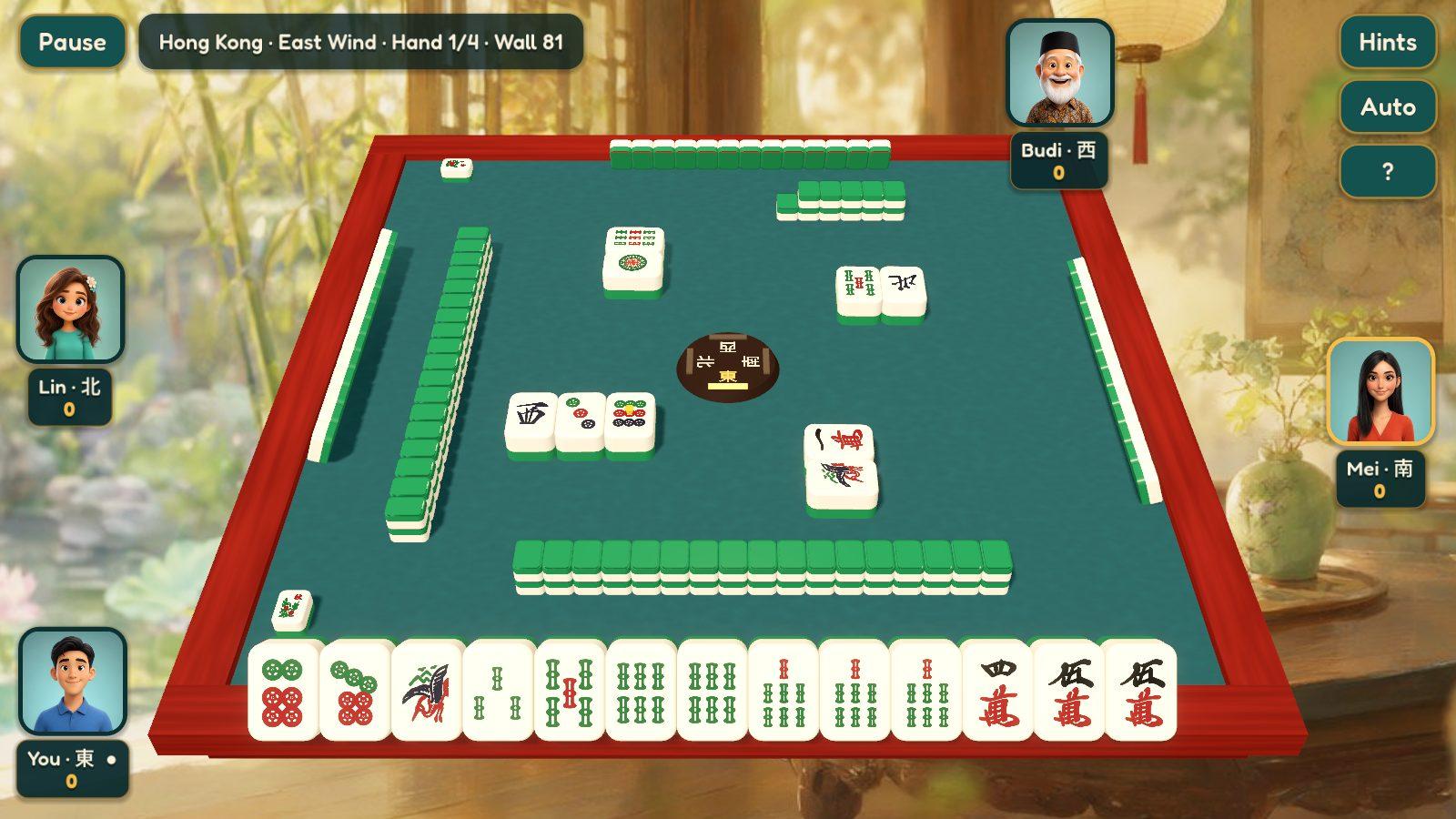
Mahjong Together — relaxed 3D mahjong with Hong Kong, Guangdong and Sichuan rules, a practice mode for beginners, and rooms for friends on Windows, Android and the browser. Free, no ads.
How it works
Your donation is linked to your SnazzySoft account. The app signs in once through your browser and remembers this computer for good.
Grab the installer from the download page.
No account needed to start. When a feature is marked Supporter, the app tells you what a donation unlocks.
One button in the app: sign in, pay any amount from the minimum with Midtrans, and the app unlocks itself on that computer.
FAQ
A real, useful app: SnazzyFoto edits and exports up to 2048 px; SnazzyCut edits anything and exports 720p without limit, or 1080p for videos up to 3 minutes. No time limit, no watermark.
Whatever it is worth to you, from the minimum shown on the donate page. Everyone gets the same features; a bigger donation simply helps us build more.
One. Donate again (or pick more computers on the donate page) to use it on more machines at once. Changing computers is free: unlink the old one in your dashboard and sign in on the new one.
Only once, to activate. After that the apps work offline for good, and a network problem never removes what you paid for.
Checkout runs on Midtrans, so you can use the methods it offers in Indonesia — cards, bank transfer / virtual account, e-wallets and QRIS. Amounts are charged in rupiah.