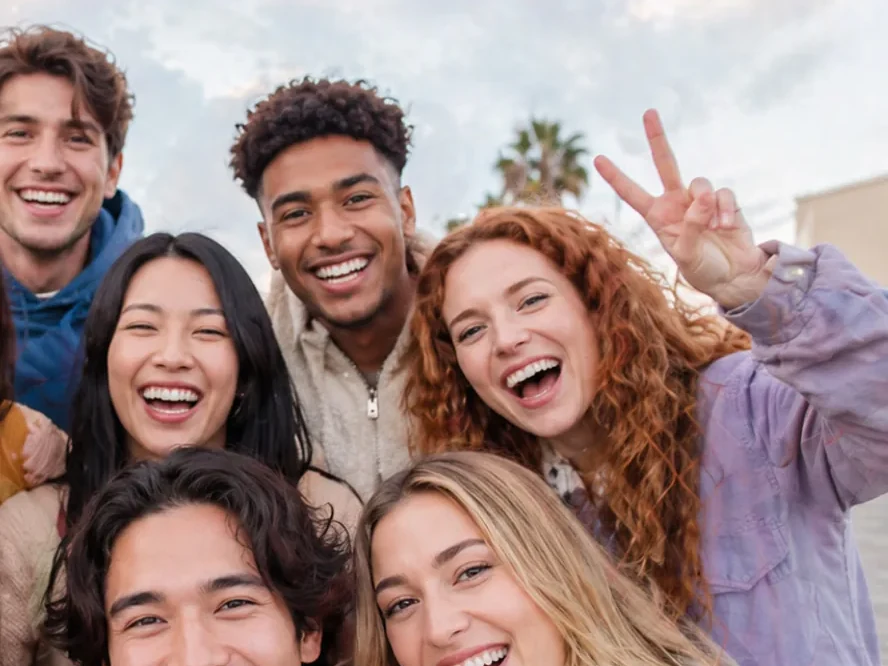
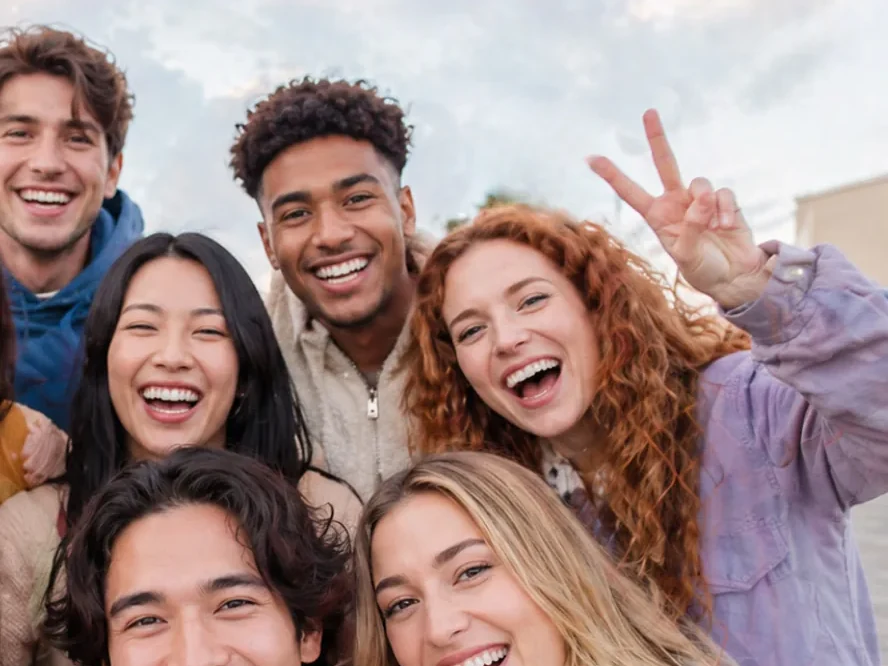
 OriginalRemoved with AI
Remove with AISupporter
Select what shouldn't be there — a sign, a stranger, a tree — and the AI fills the gap with what belongs behind it, on a new layer.

From the first RAW to the finished print album — layers, Develop, Portrait and camera tethering in one app. The AI runs on your PC, so nothing is uploaded.
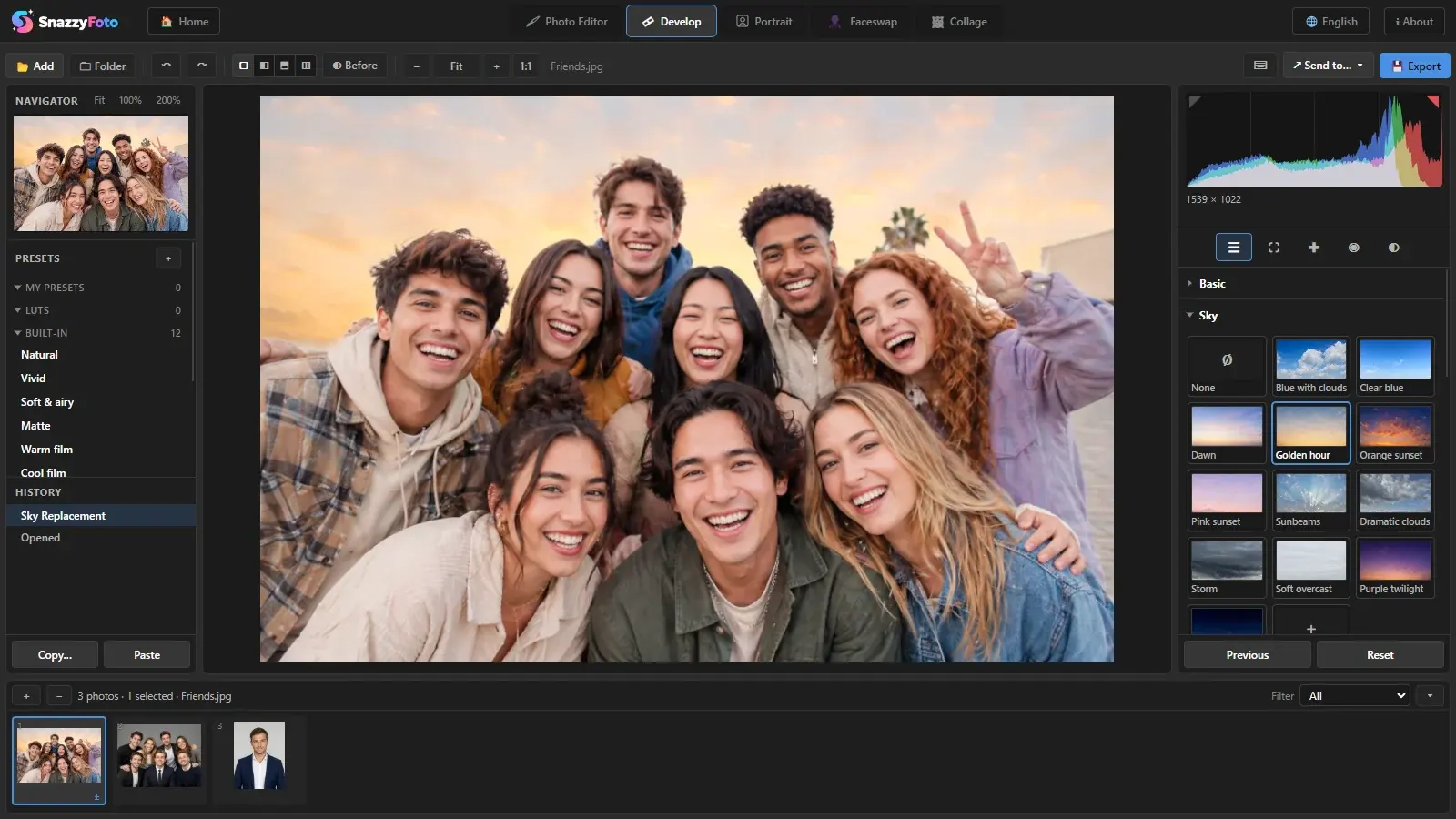
Inside SnazzyFoto
Screenshots from the app. Every picture links to a step-by-step guide in the Help Center.
Layers, masks and selections for detailed work — with AI that cuts out and cleans up for you.
OriginalRemoved with AISelect what shouldn't be there — a sign, a stranger, a tree — and the AI fills the gap with what belongs behind it, on a new layer.
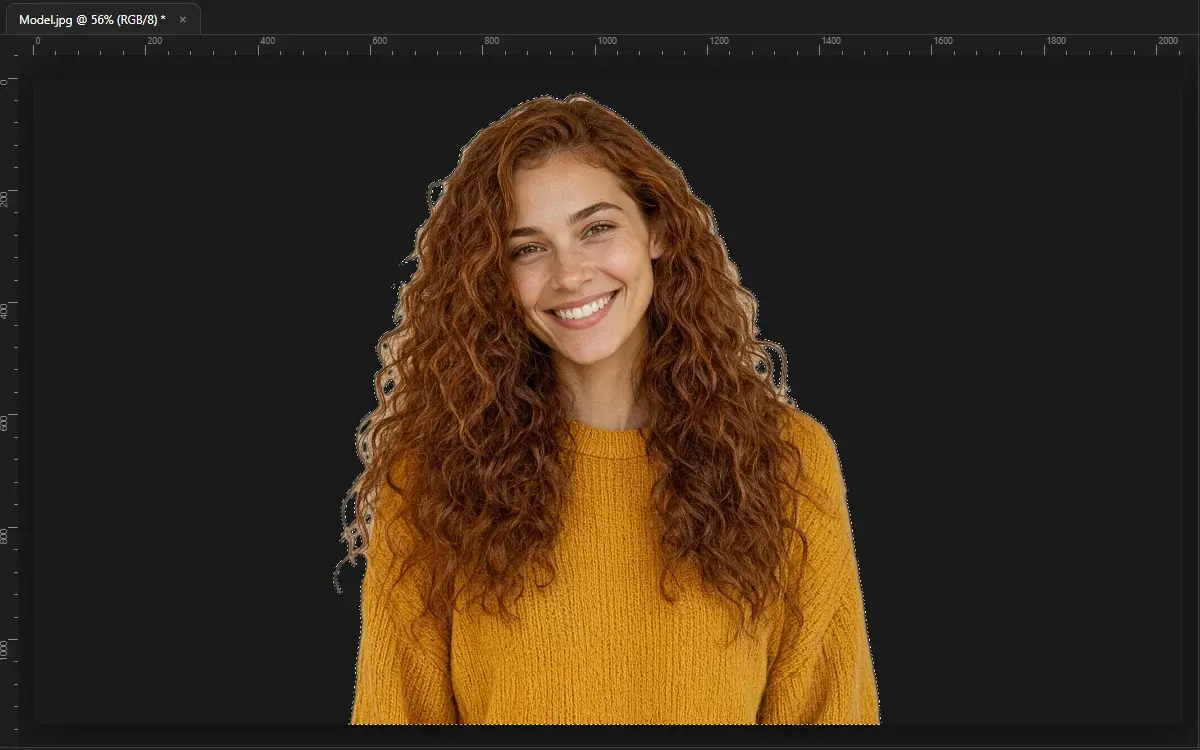
One click selects every person or product — hair included — ready for a new background, a mask or a composite.
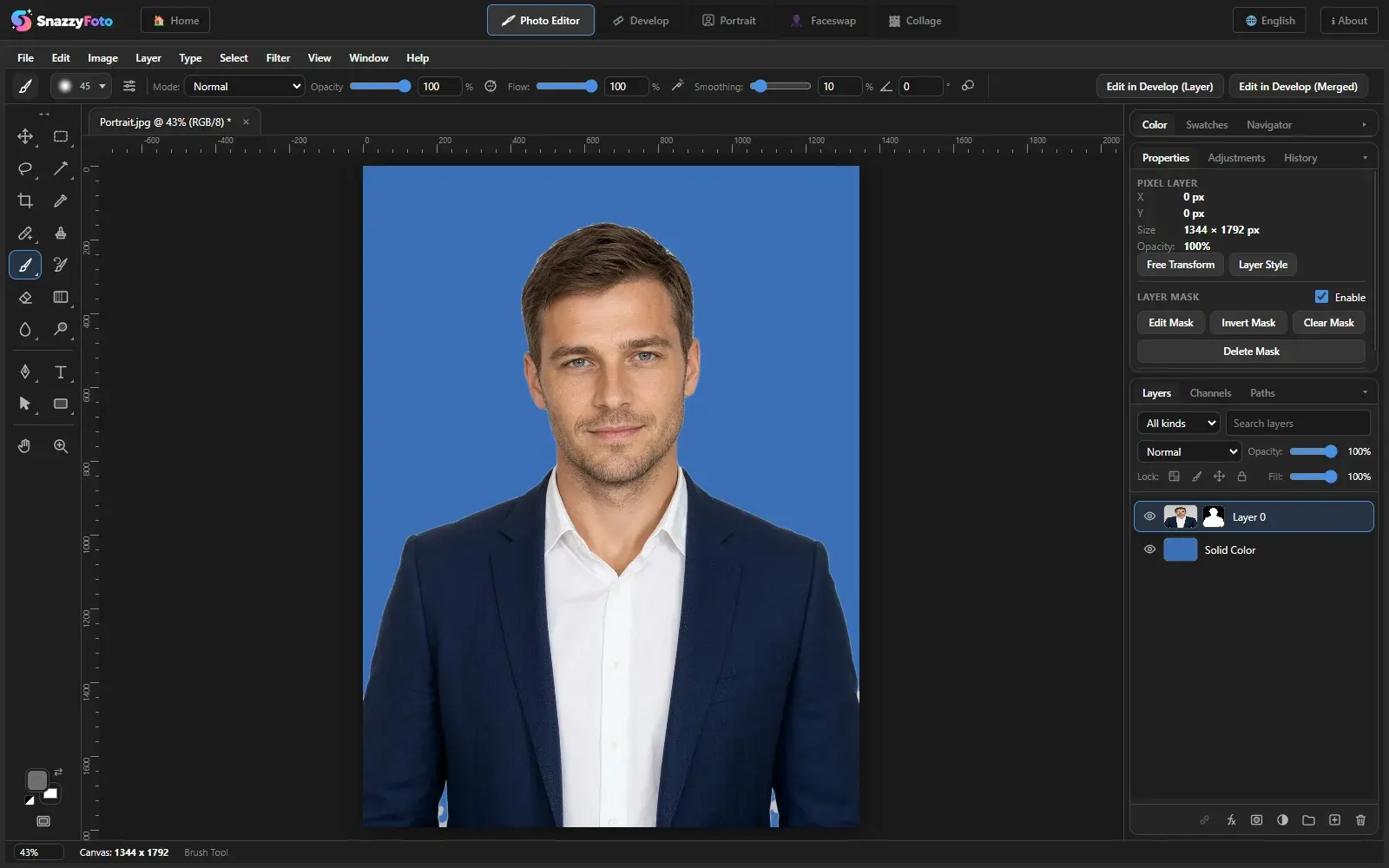
Edit without losing the original: blend modes, groups, clipping and layer masks. Save the whole stack as a project.
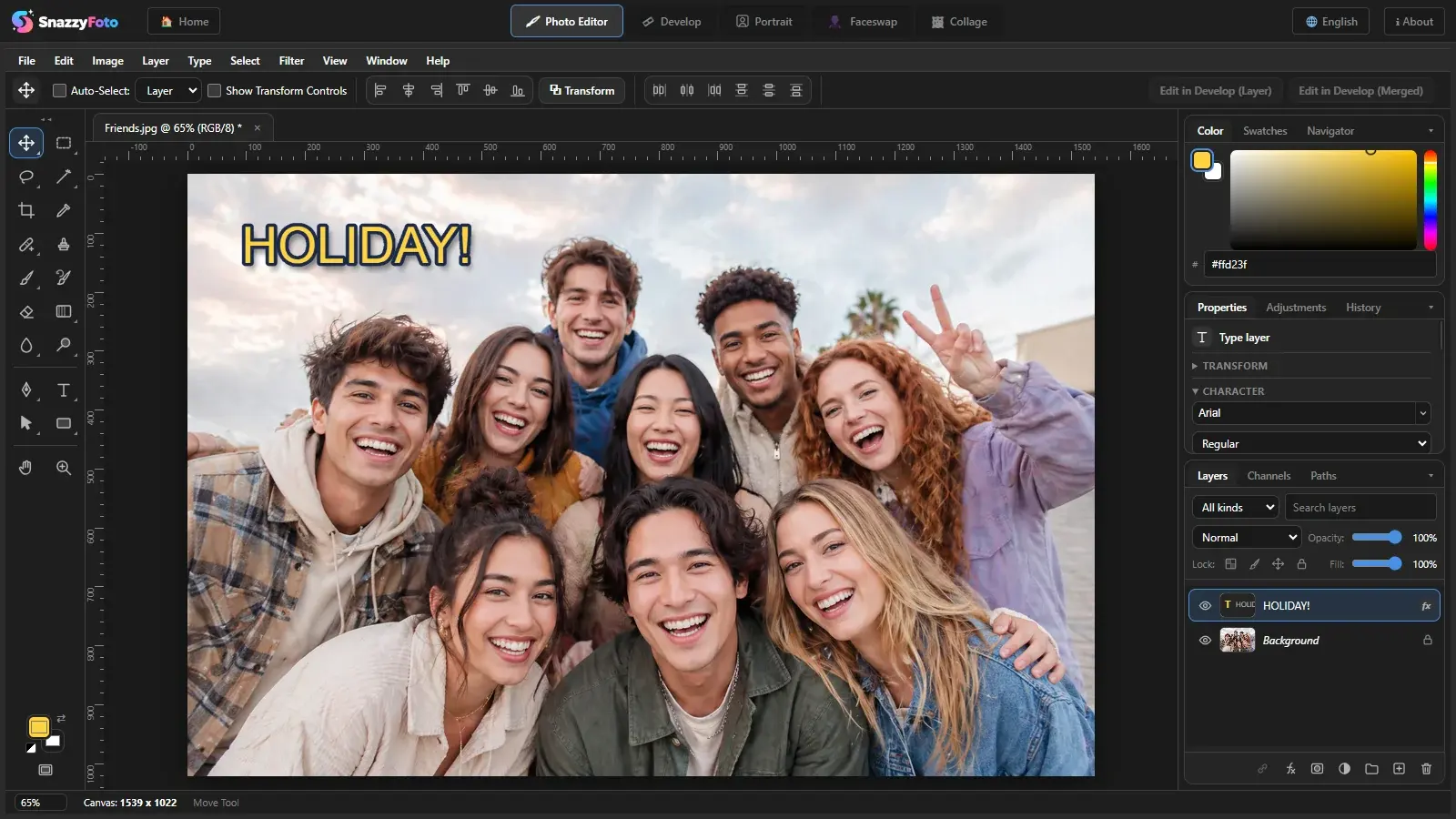
Type with your own fonts, draw with the pen and shape tools, then add shadows, strokes and emboss.
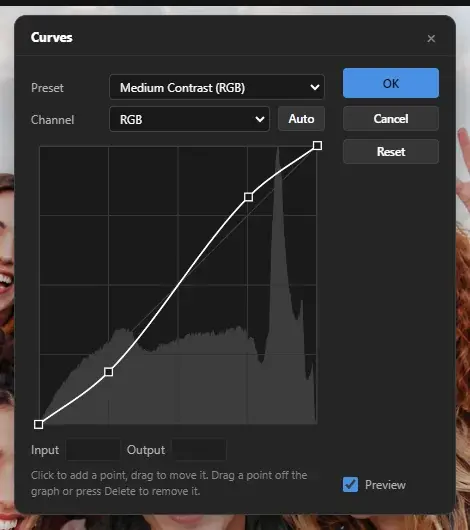
Levels, curves, hue/saturation and colour balance, plus blur, sharpen, noise, distort and Liquify with a live preview.
Light and colour for whole shoots: RAW files, presets, masks and batch editing.
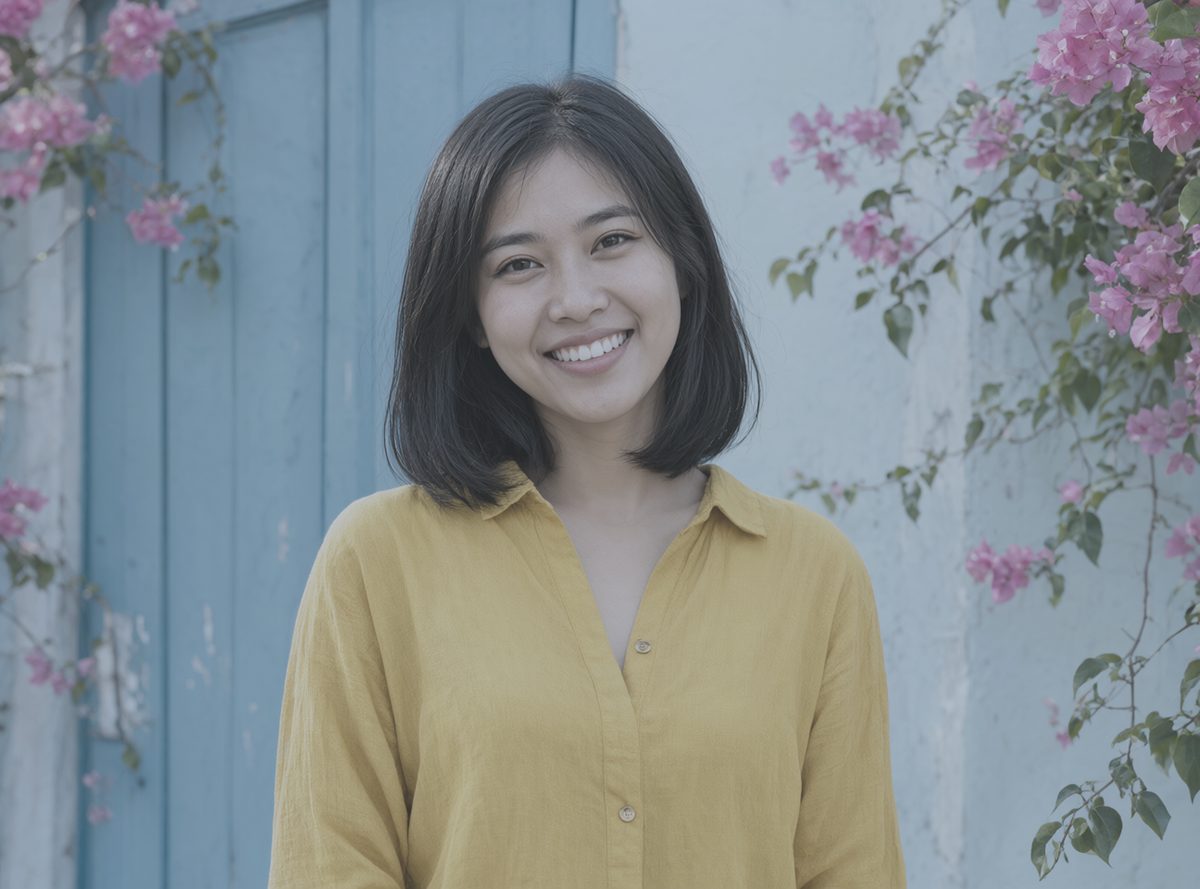
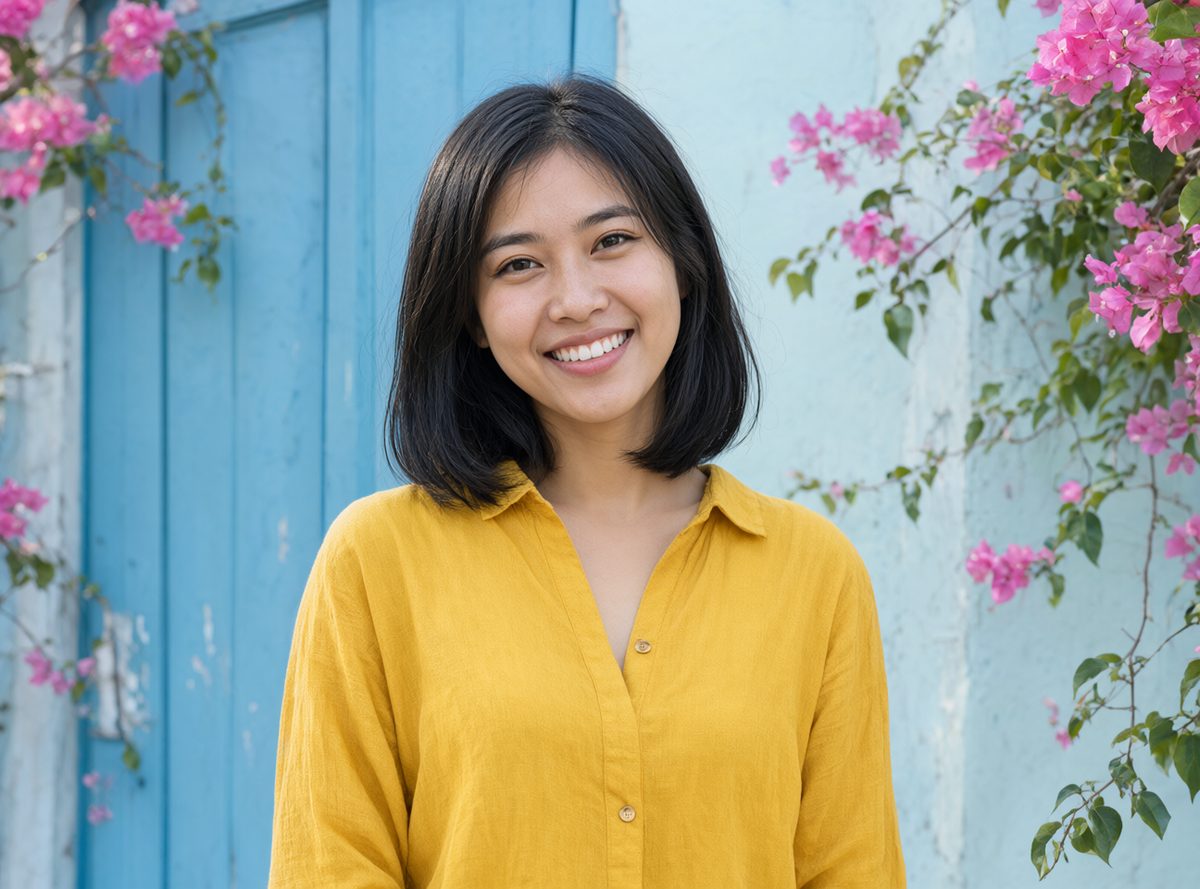 OriginalDevelop
Exposure, curves, colour mixer, colour grading, clarity and dehaze — drag the slider to see the difference.
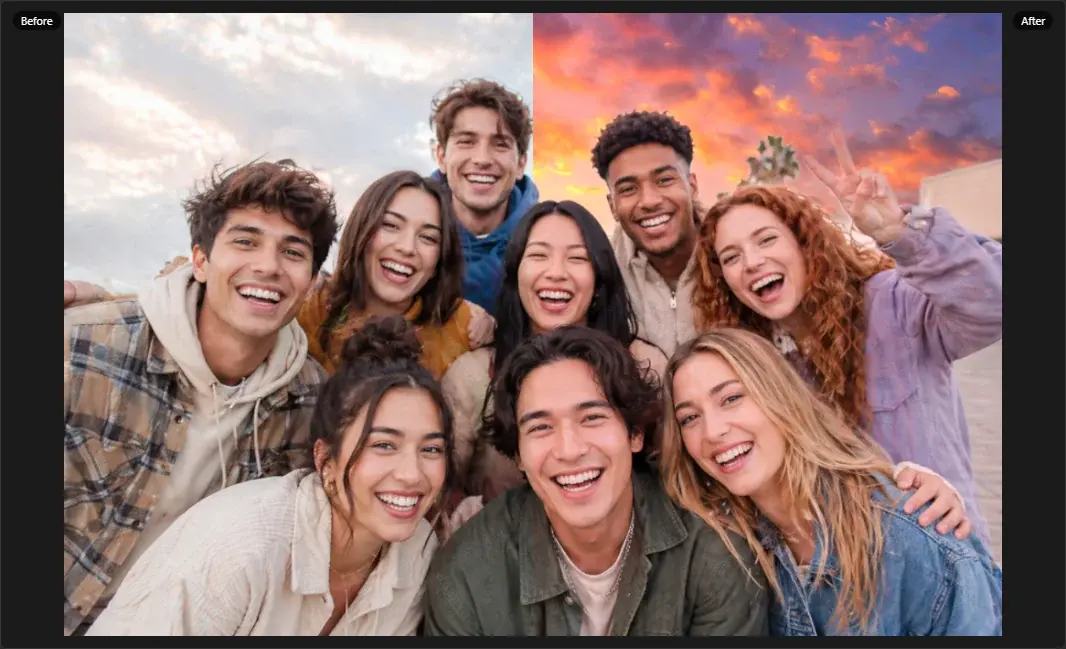
The AI finds the sky. Pick one of 12 built-in skies or your own picture, and the light on the rest of the photo follows.
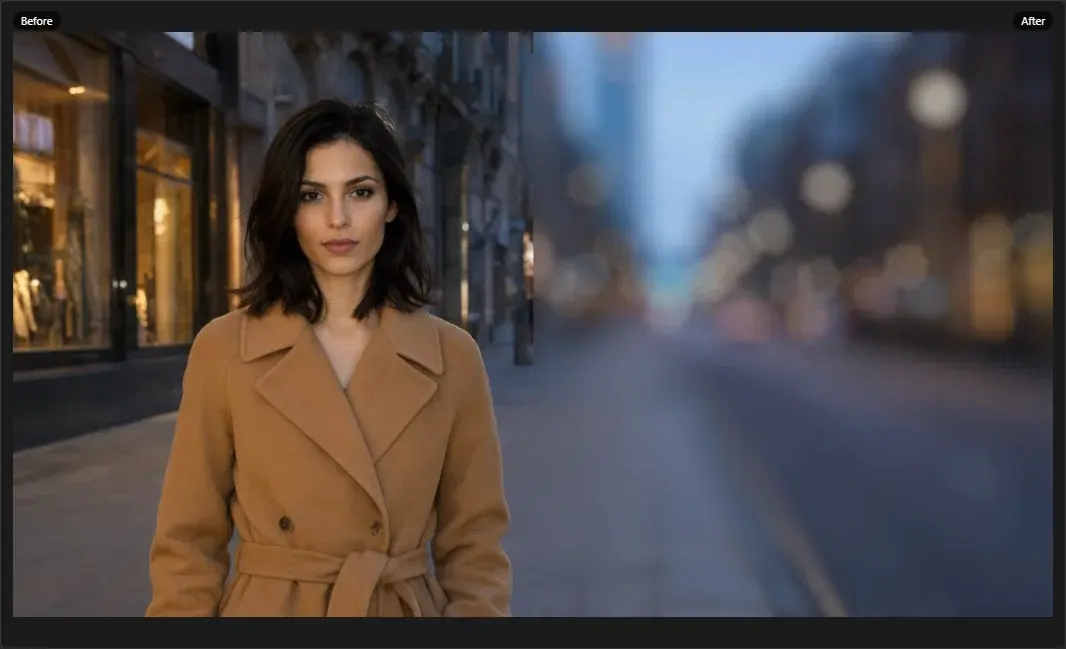
An AI depth map blurs the background like a fast lens, or adds haze into the distance.
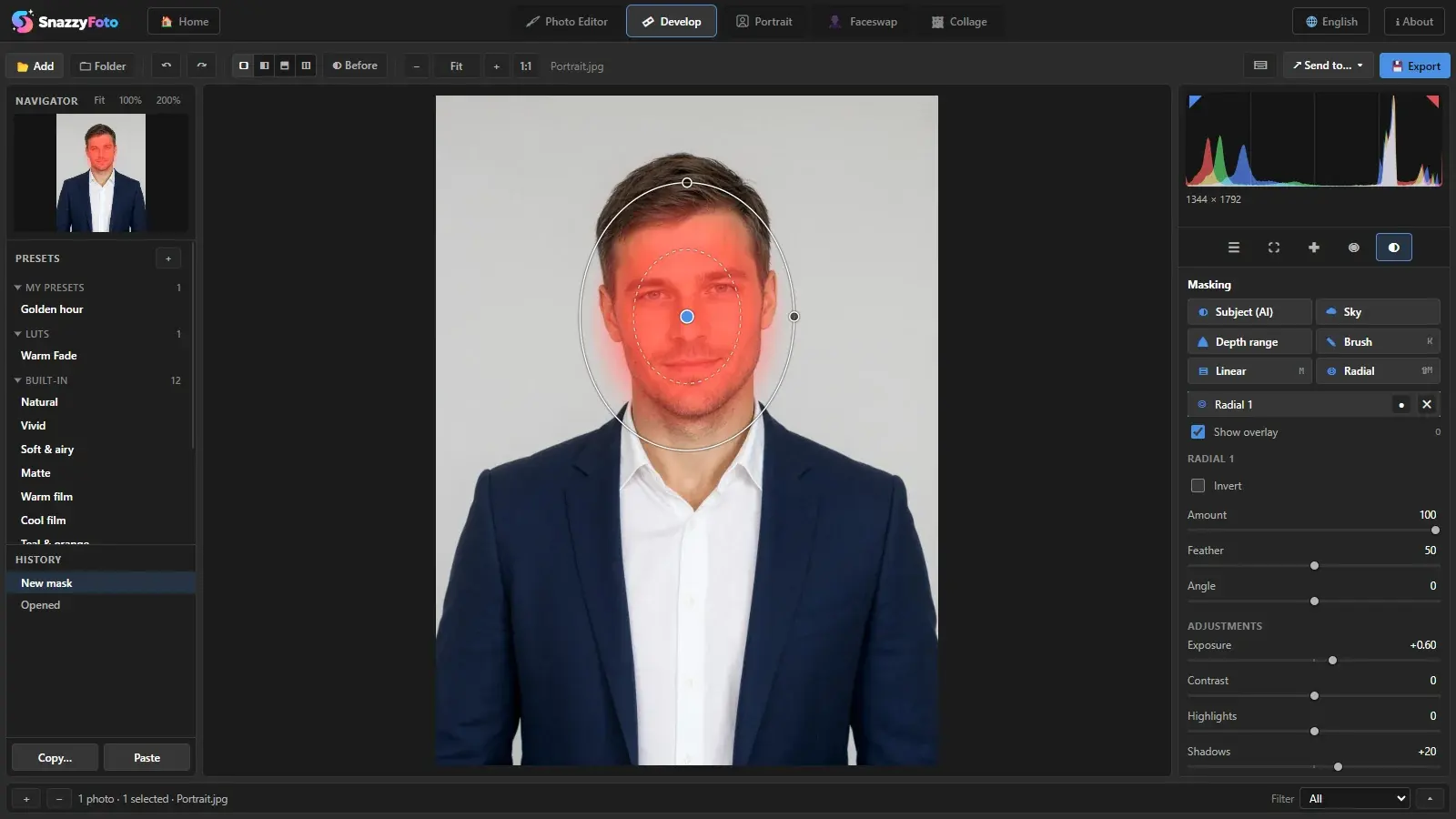
Brush, linear and radial masks are free. Supporters also get AI subject, sky and depth-range masks.
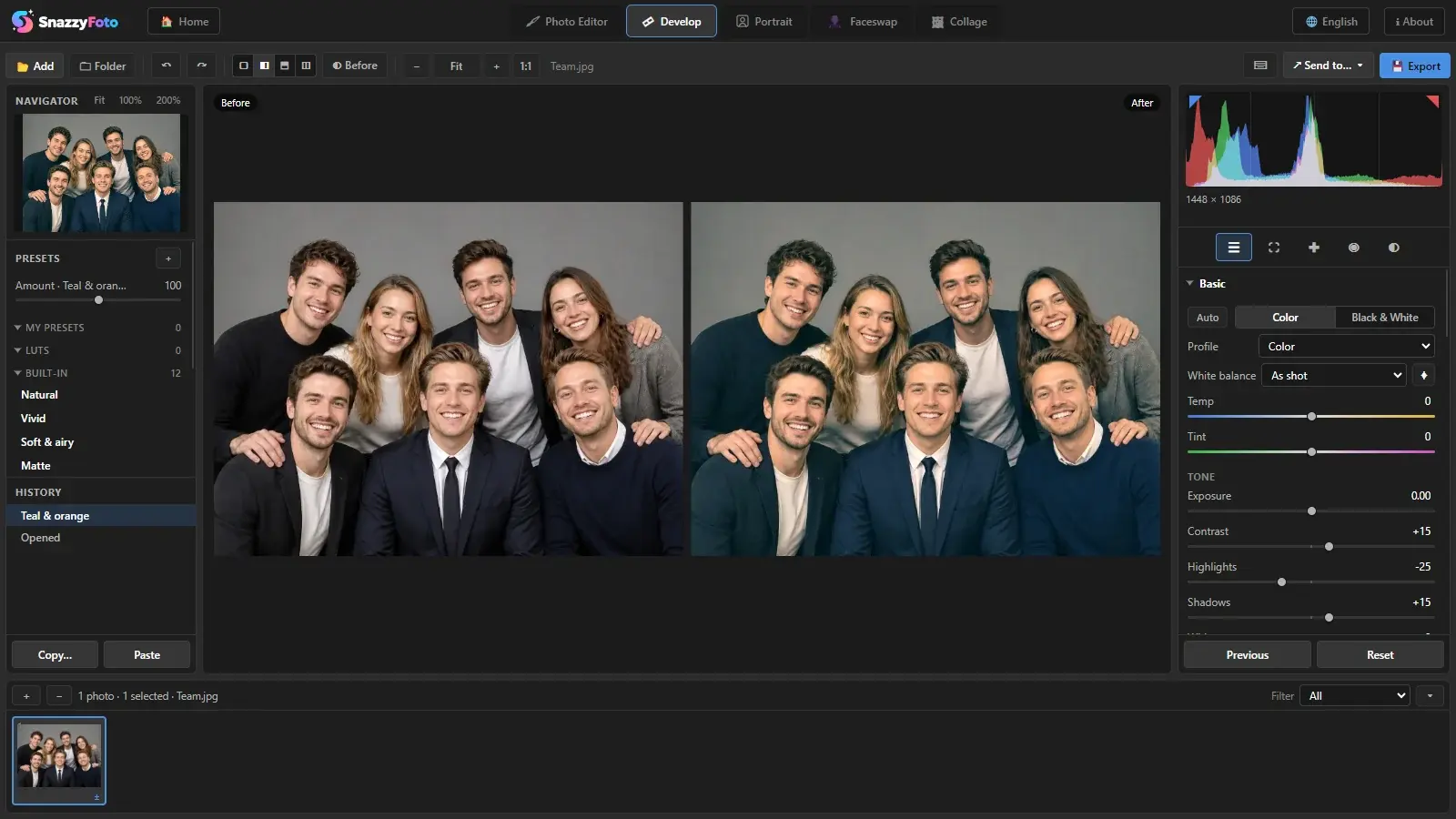
Built-in looks, your own presets and .cube LUTs — and import the .xmp presets you already own.
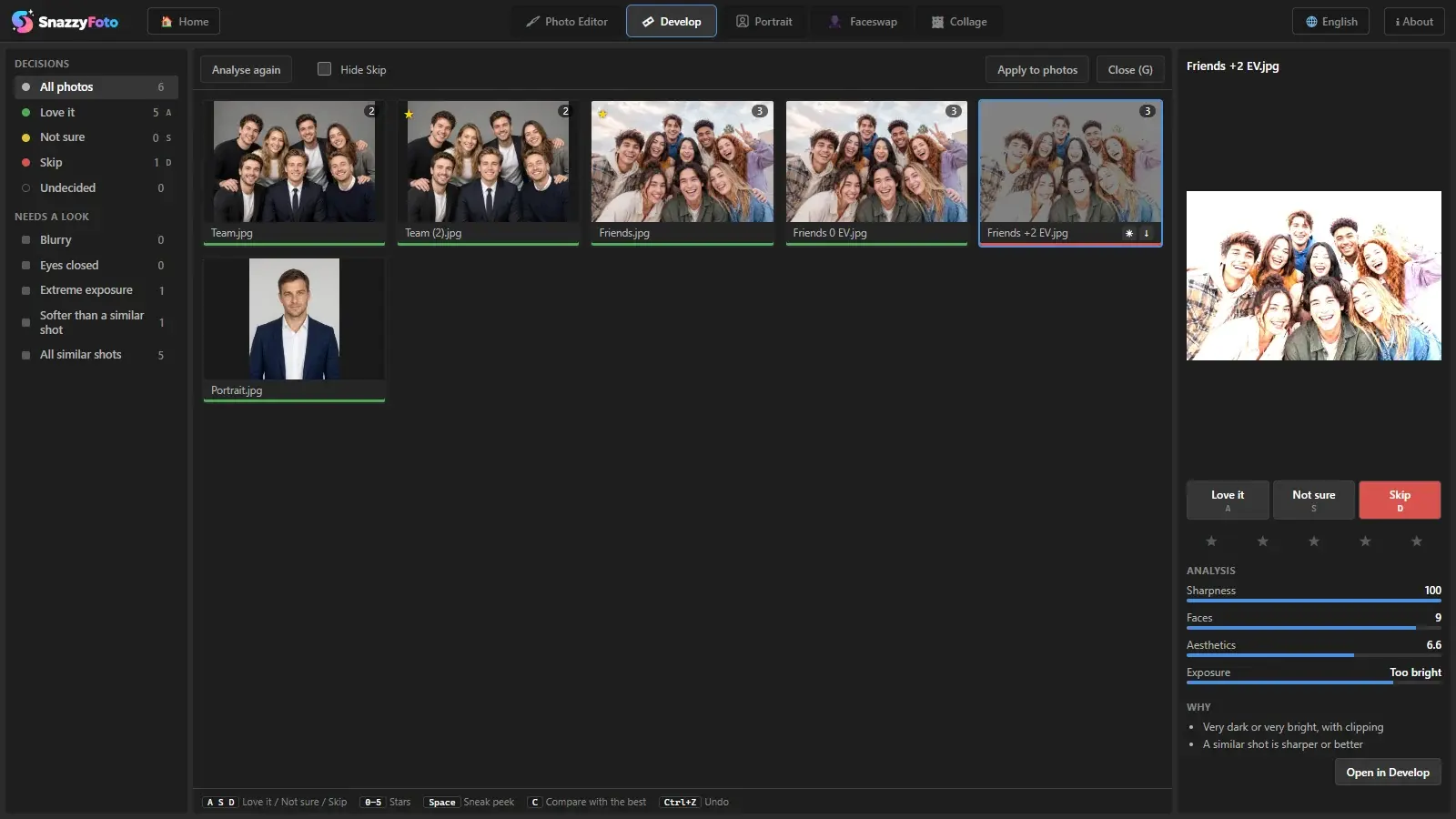
The AI flags blurry shots, closed eyes and near-duplicates, so you keep the best frame of every moment.
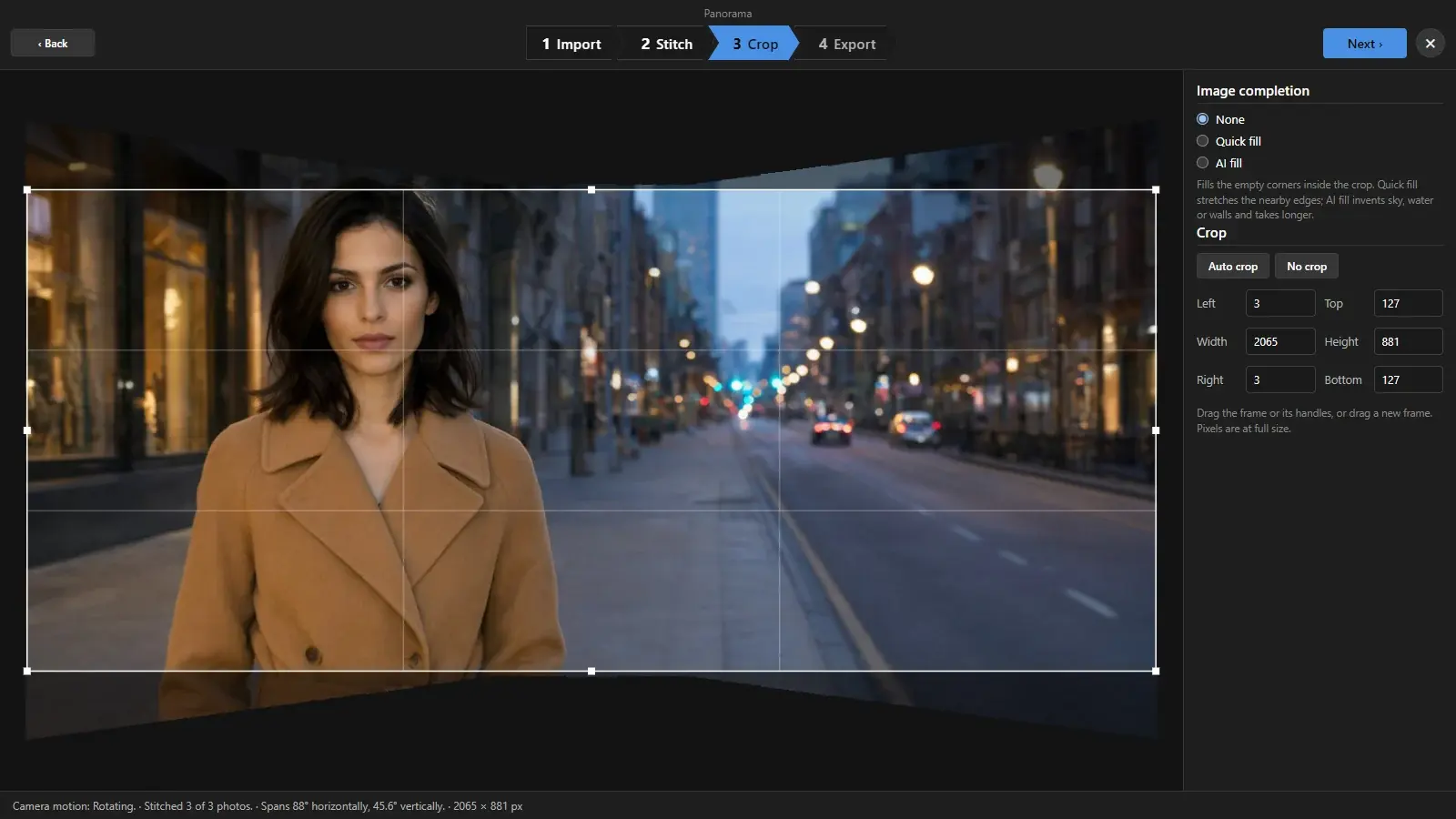
Merge a bracket into one HDR photo or stitch a panorama — RAW files welcome, 16-bit TIFF out.
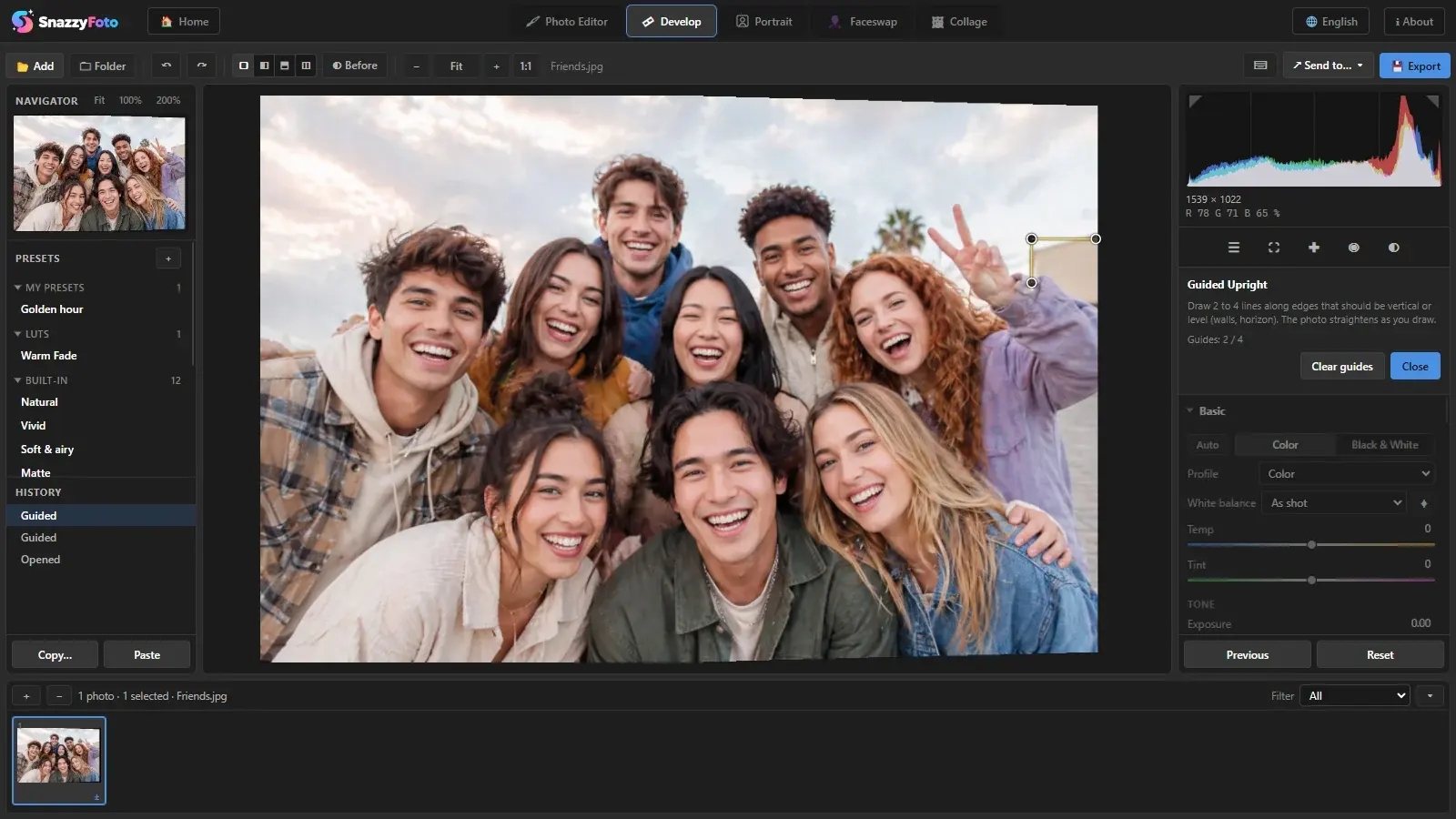
Lens profiles remove distortion and vignetting; Upright straightens buildings and horizons.
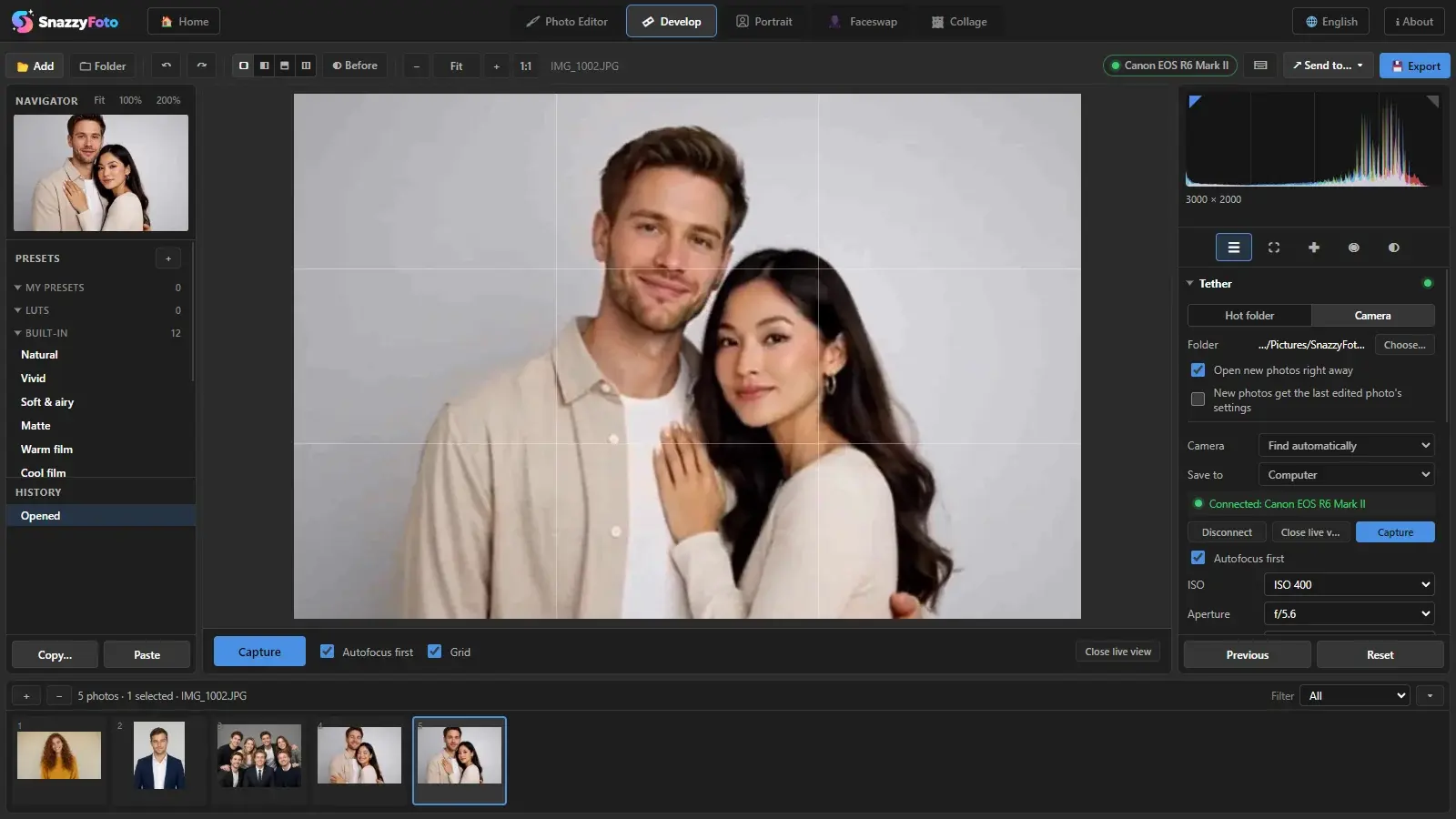
Connect a Canon, Nikon or Sony camera over USB for live view, camera settings and Capture from the computer, or watch a hot folder. Every new photo opens in Develop right away.
Tethering is free. Supporters get new photos already edited with the settings of the last photo.
A studio for photos of people: new backgrounds, face retouching and ID photos ready to print.
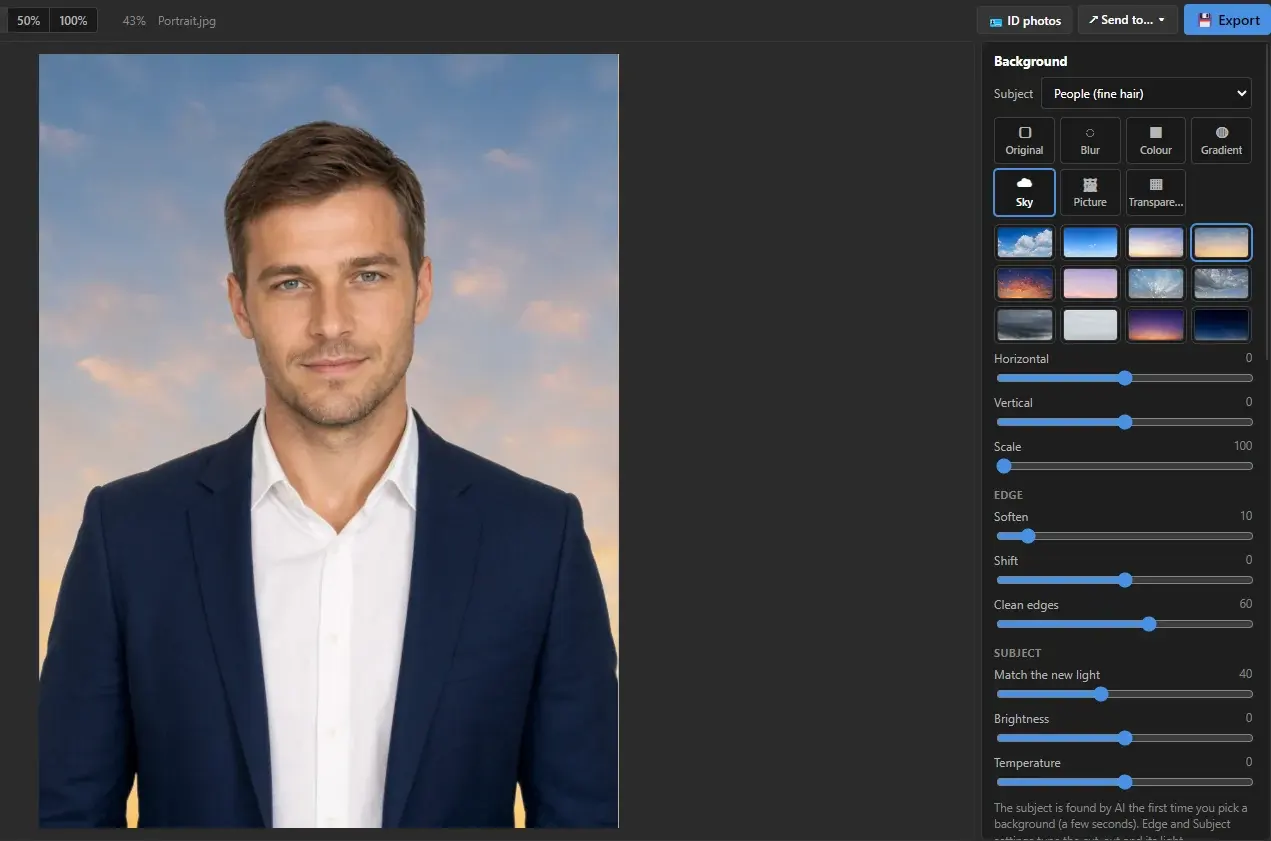
Blur, a solid colour, a studio gradient, a sky or your own picture. Hair stays in, and the light on the person is matched.
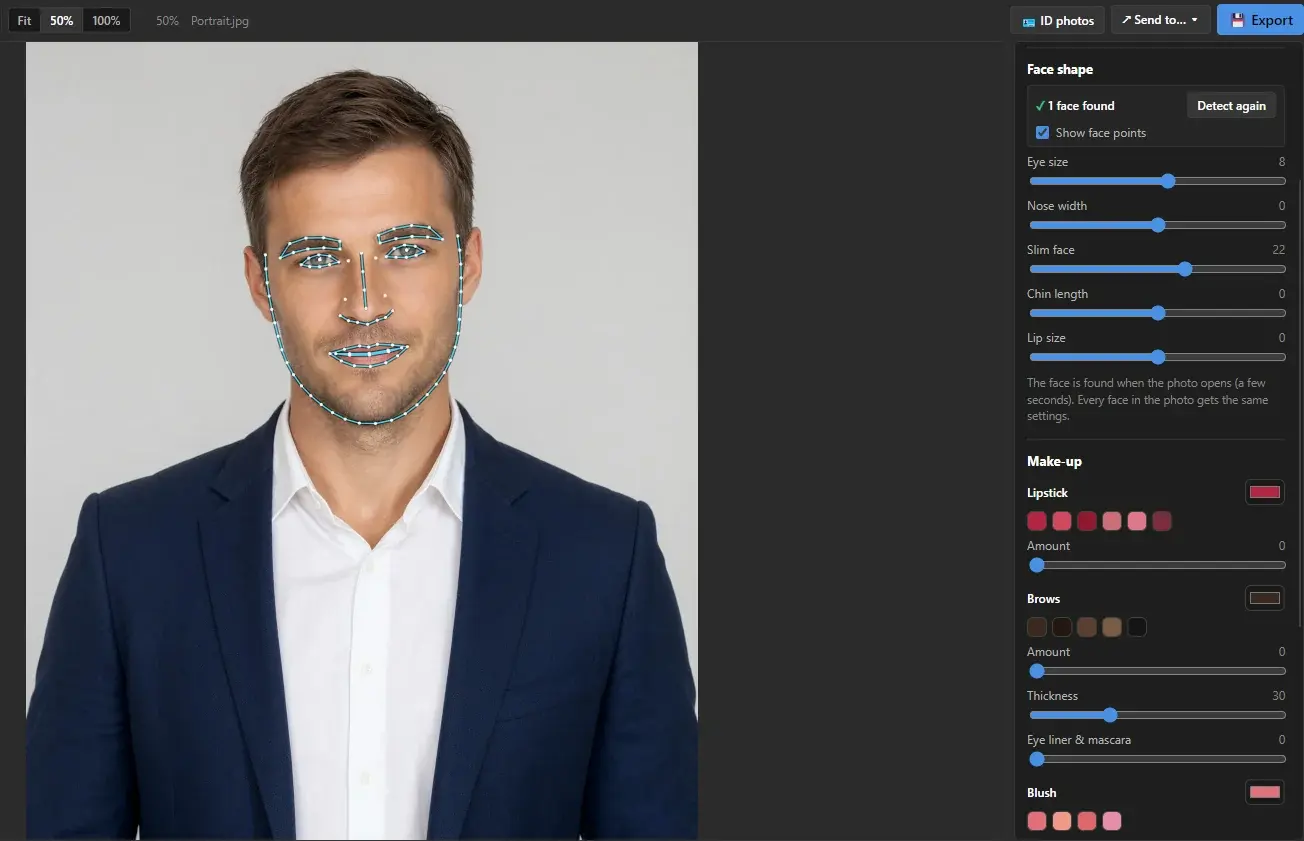
106 face points guide every slider: a slimmer face, eye size, lipstick, brows, eye colour, smoother skin and whiter teeth.
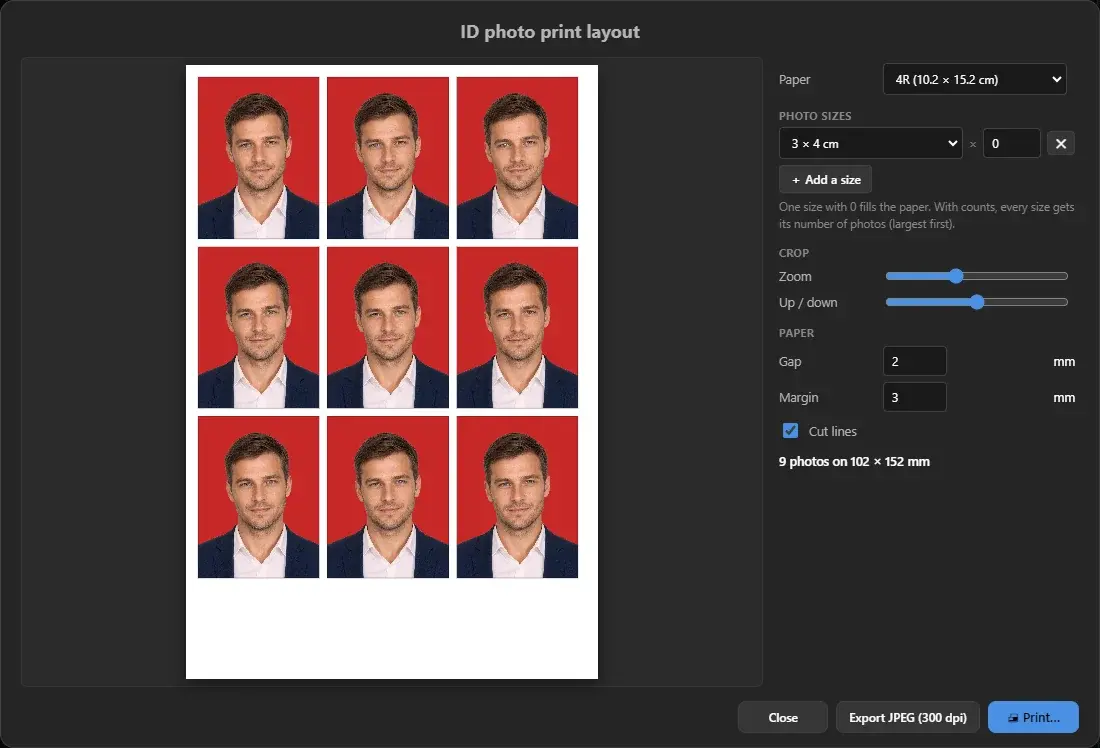
Fill a sheet with ID photos: the crop follows the head, cut lines are drawn for you. Print it at home or export a 300 dpi JPEG for the photo shop.
The print layout is free. A red or blue background comes from background replacement (Supporter).
Swap faces for fun, and lay out photos — from a quick grid to a whole album for print.
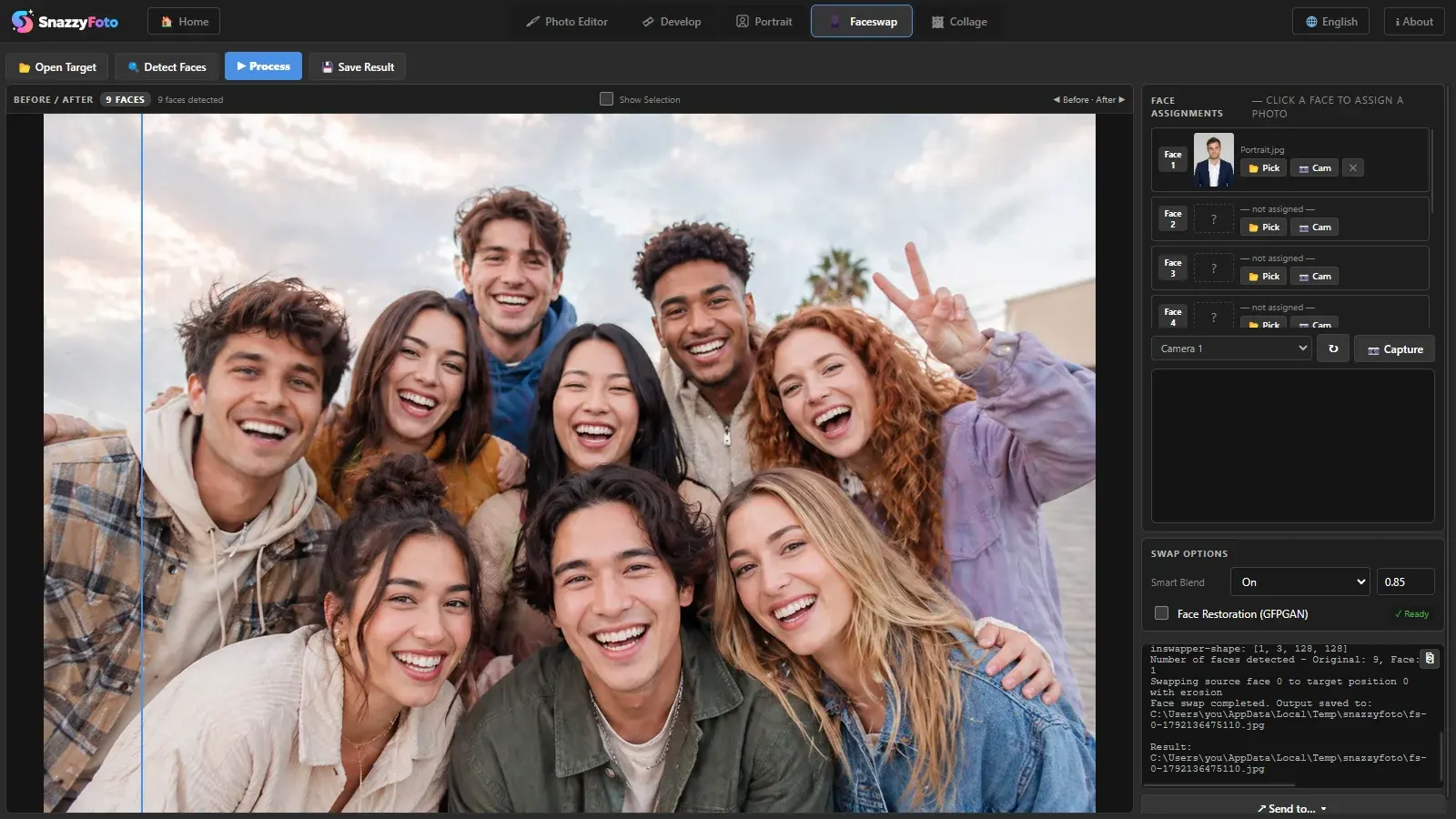
Swap faces in group photos without the internet: choose who gets which face, with optional face restoration.
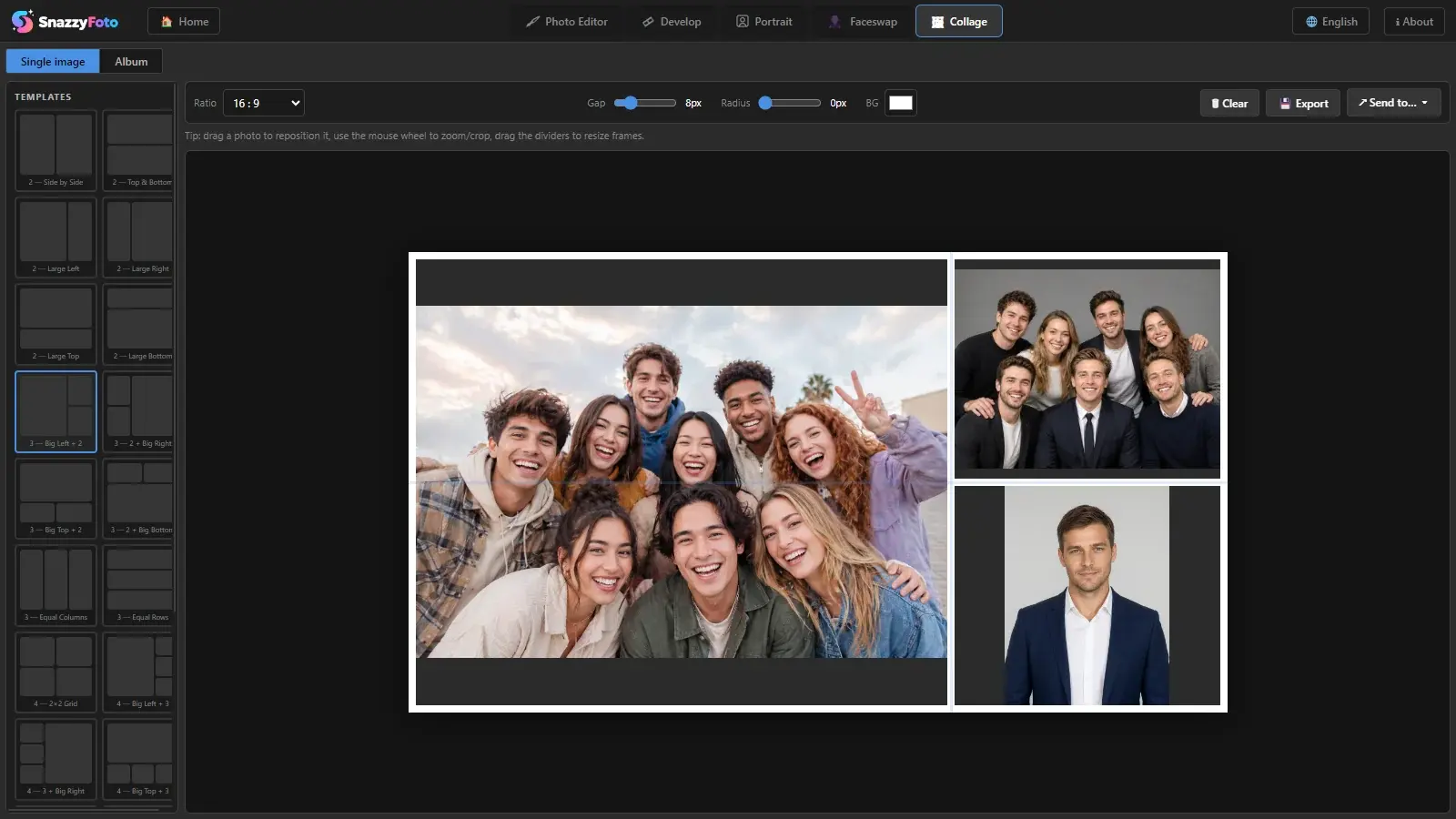
Pick a grid template, drop your photos in and export the finished layout.
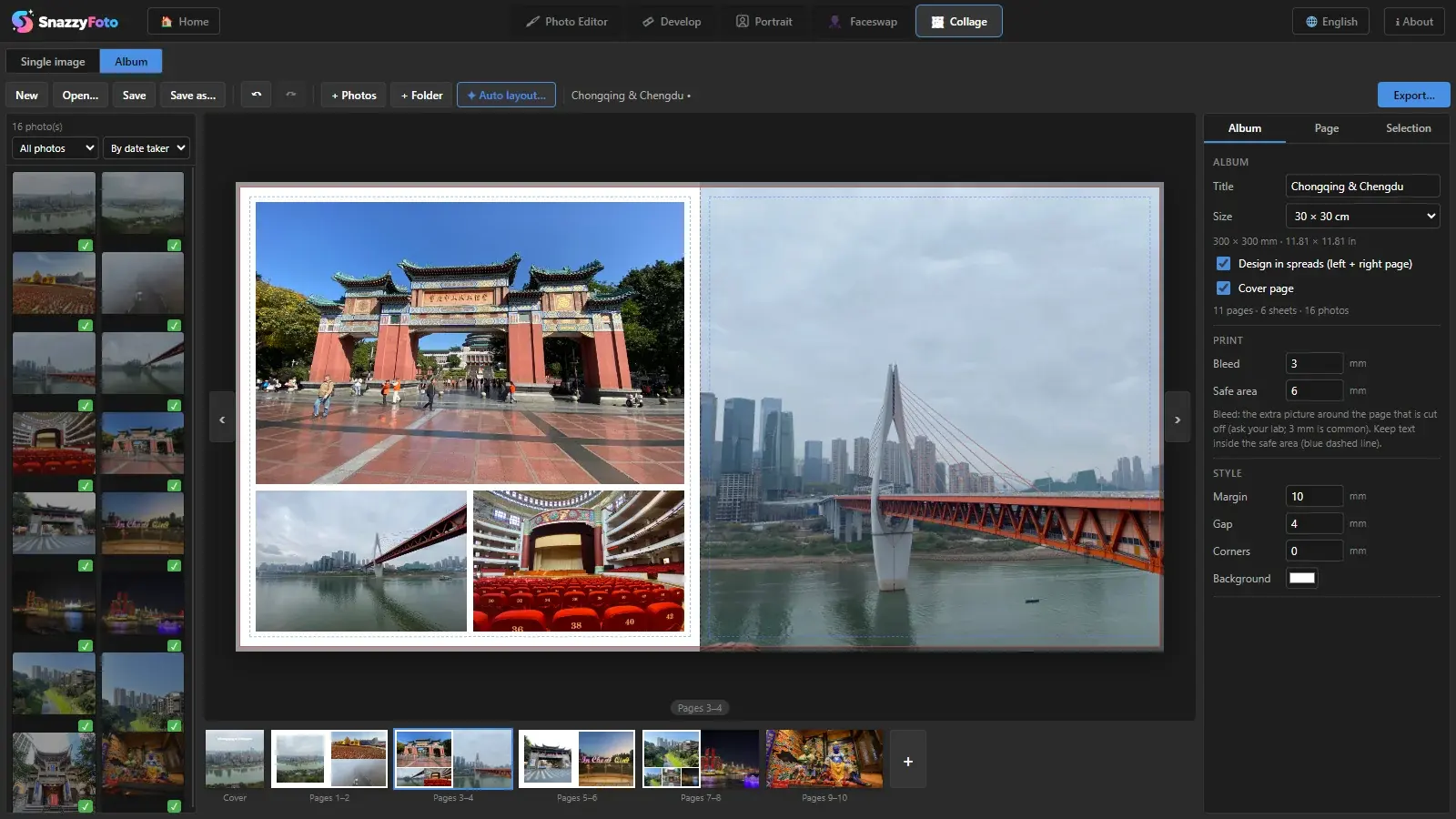
Design a whole photobook in Collage › Album: pick the page size, work in spreads with a cover, let Auto layout fill the pages, then fine-tune frames, text and shapes. Bleed and the safe area are drawn on the page.
Free: PDF or JPEG up to 2048 px. Supporters export for the print lab: CMYK PDF/X-1a or TIFF at print resolution, with bleed and crop marks.
Once, for life, on one computer.