
Welcome to SnazzyCut
What SnazzyCut is, what is free and what a Supporter donation adds, what you need, and how this Help Center works.
SnazzyCut is a free video editor for your computer. Put your clips, photos and music on a timeline, cut them, add titles, transitions, colour and sound, and export a video for YouTube, TikTok or Instagram. Every editing feature is free, with no watermark and no time limit.
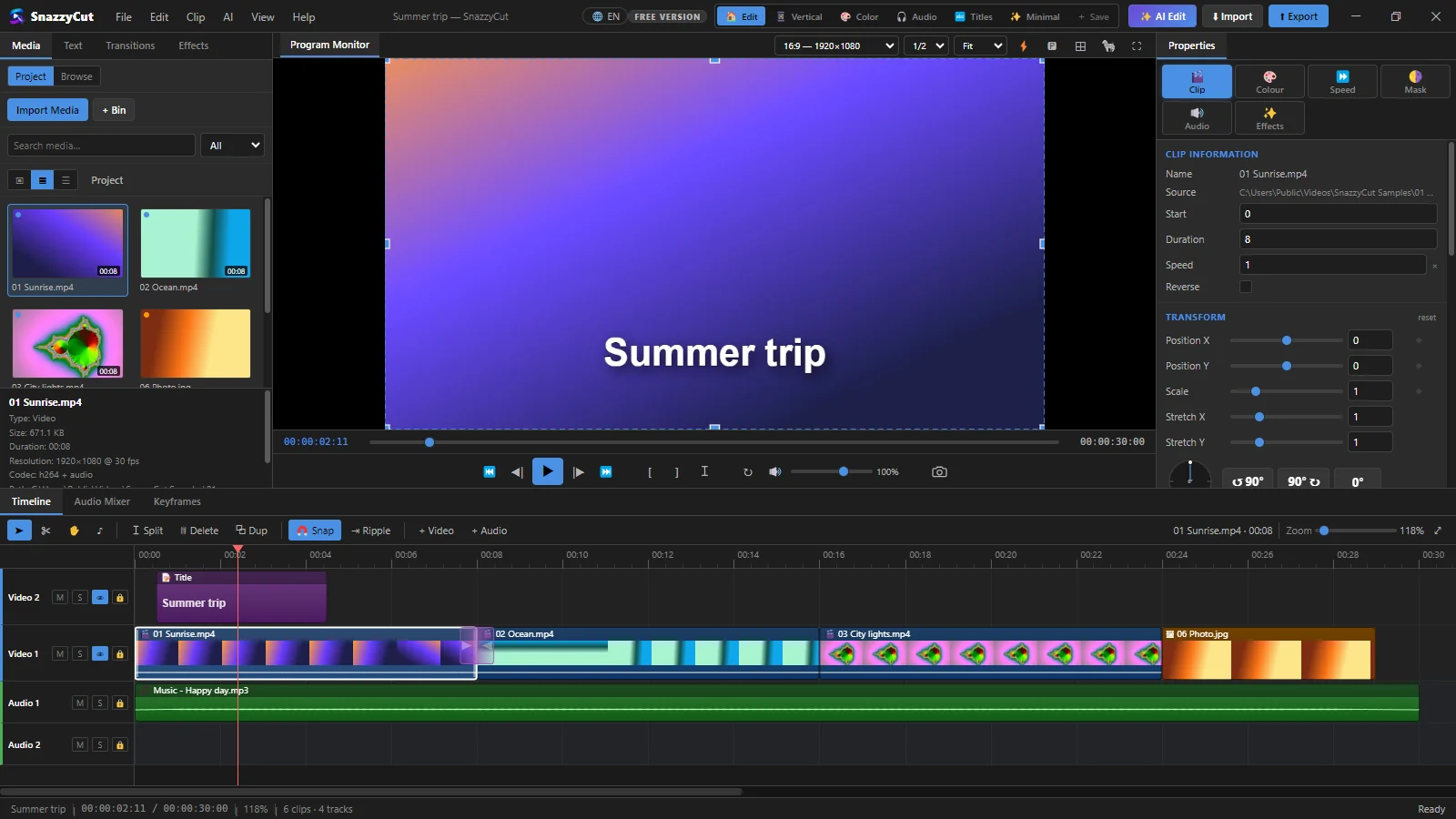
What you can do with it
- Edit — cut, trim and arrange clips on as many video and audio tracks as you need. Every step can be undone with Ctrl + Z.
- Make it look good — titles, transitions, filters, colour grading and keyframe animation (things that move or change over time).
- Sound — music, volume, fades and an audio mixer.
- AI on your computer — captions written from speech, and narration read from text you type. Nothing is uploaded.
- Export — MP4 and other formats, in the shape each site wants: 16:9 for YouTube, 9:16 for Reels, TikTok and Shorts.
Free and Supporter
SnazzyCut is free to use. If you want more, a one-off donation (pay what you want, from a small minimum) makes you a Supporter and unlocks the rest on your computer.
| Free | Supporter | |
|---|---|---|
| Every editing feature | ✓ | ✓ |
| Captions and narration on your computer | ✓ | ✓ |
| No watermark, no time limit | ✓ | ✓ |
| Video export | 720p at any length; 1080p for videos up to 3 minutes | Full resolution at any length: 1080p, 4K |
| AI Auto-Edit (with your own AI key) | — | ✓ |
| Edit with Claude or Codex (MCP) | — | ✓ |
| Colour themes | Dark only | ✓ |
| Donation reminder | Sometimes | Never |
- 720p and 1080p mean the shorter side of the picture is at most 720 or 1080 pixels. In the free version a 1920×1080 video of up to 3 minutes keeps its size; a longer one comes out as 1280×720 (an upright 1080×1920 one as 720×1280).
- One donation unlocks one computer. Donate again to add another one.
- It is a one-off donation, not a subscription. After you activate, SnazzyCut never needs the internet to stay unlocked.
- In the free version, a short Support SnazzyCut reminder may appear after your first week, at most once a day.
To donate, choose Help › Register… and click Donate & activate. See Free and Supporter for the details.
What you need
| Computer | Windows 10 or Windows 11, 64-bit. |
| Memory | 8 GB at least, 16 GB is more comfortable. |
| Disk space | About 500 MB for SnazzyCut, plus room for the videos you export. |
| Screen | 1280×800 or larger. The window does not get smaller than 1100×700. |
| Graphics | Any. With an NVIDIA, Intel or AMD graphics chip, exporting is faster. |
| Internet | Not needed for editing. You need it to download SnazzyCut, to donate and activate, and once to download the captions or narration voice the first time you use them. |
Everything SnazzyCut needs to play and export video comes with it. There are no codec packs or other programs to install.
How this Help Center works
The articles are in six sections. Start with Getting started if you are new. The others you can read when you need them.
In the articles, words in a box like this are exactly what you see on screen, and keys look like Ctrl + S. Numbers on a picture match the numbered list below it.