
Make the video, not the homework.
Drop your clips in and get a first cut on the timeline. Trim, add titles, music and captions, then export for YouTube, TikTok or Instagram — with an AI that can do the first draft for you.
- Every editing feature free
- No watermark
- Supporter from $5
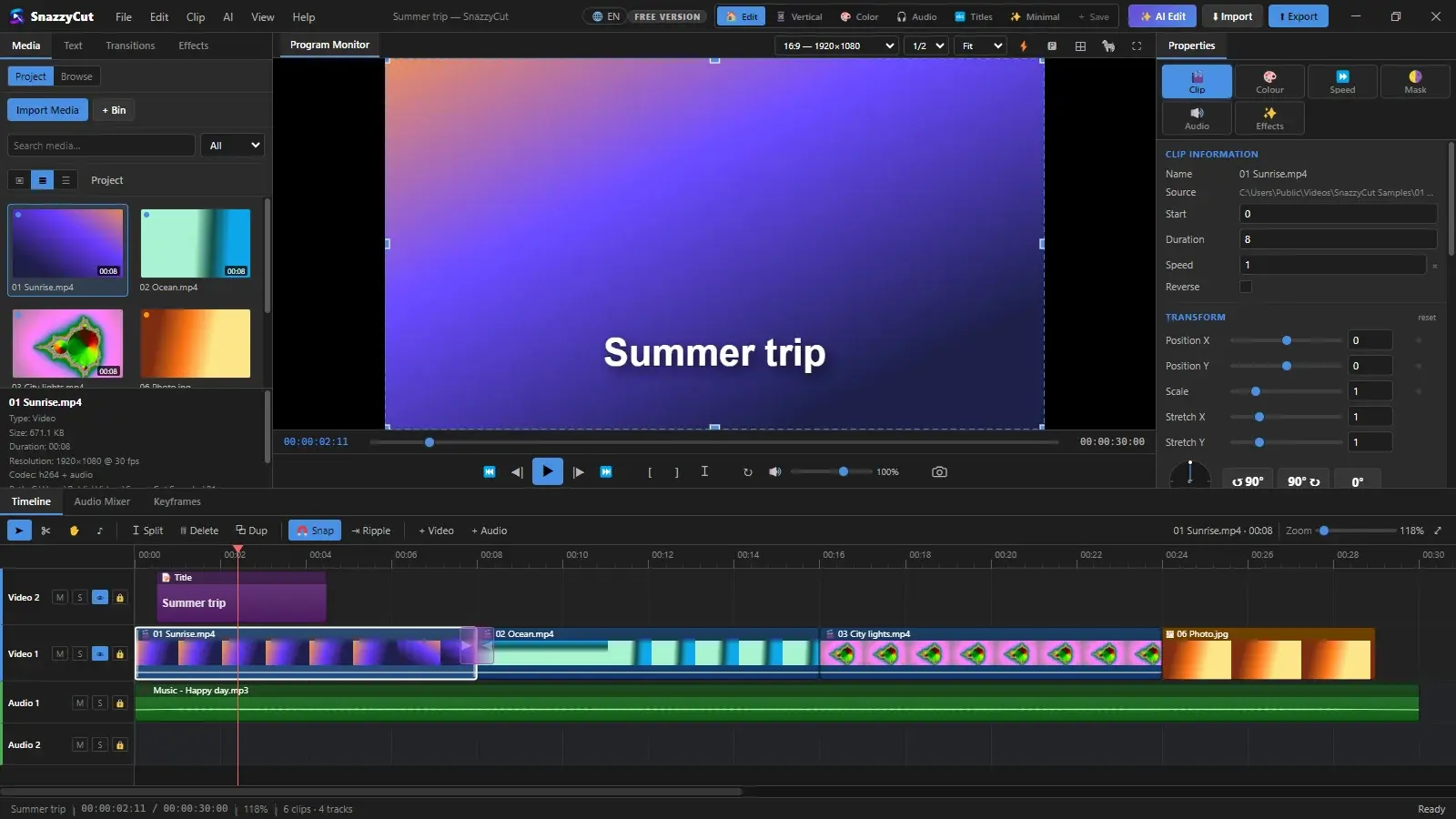
Inside SnazzyCut
Everything you need to make a video people watch.
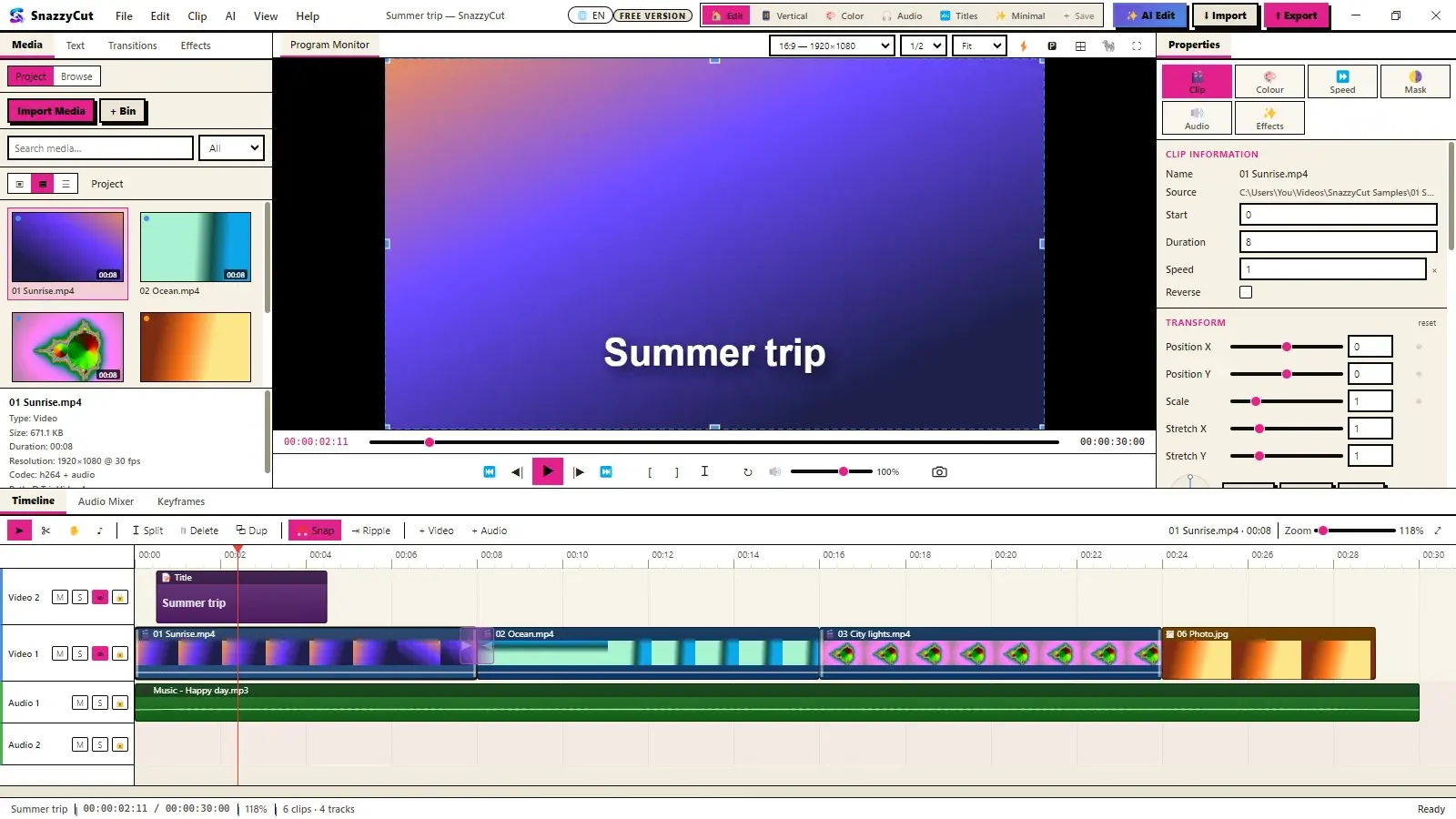
Real screenshots from the app. Every picture links to a step-by-step guide in the Help Center.
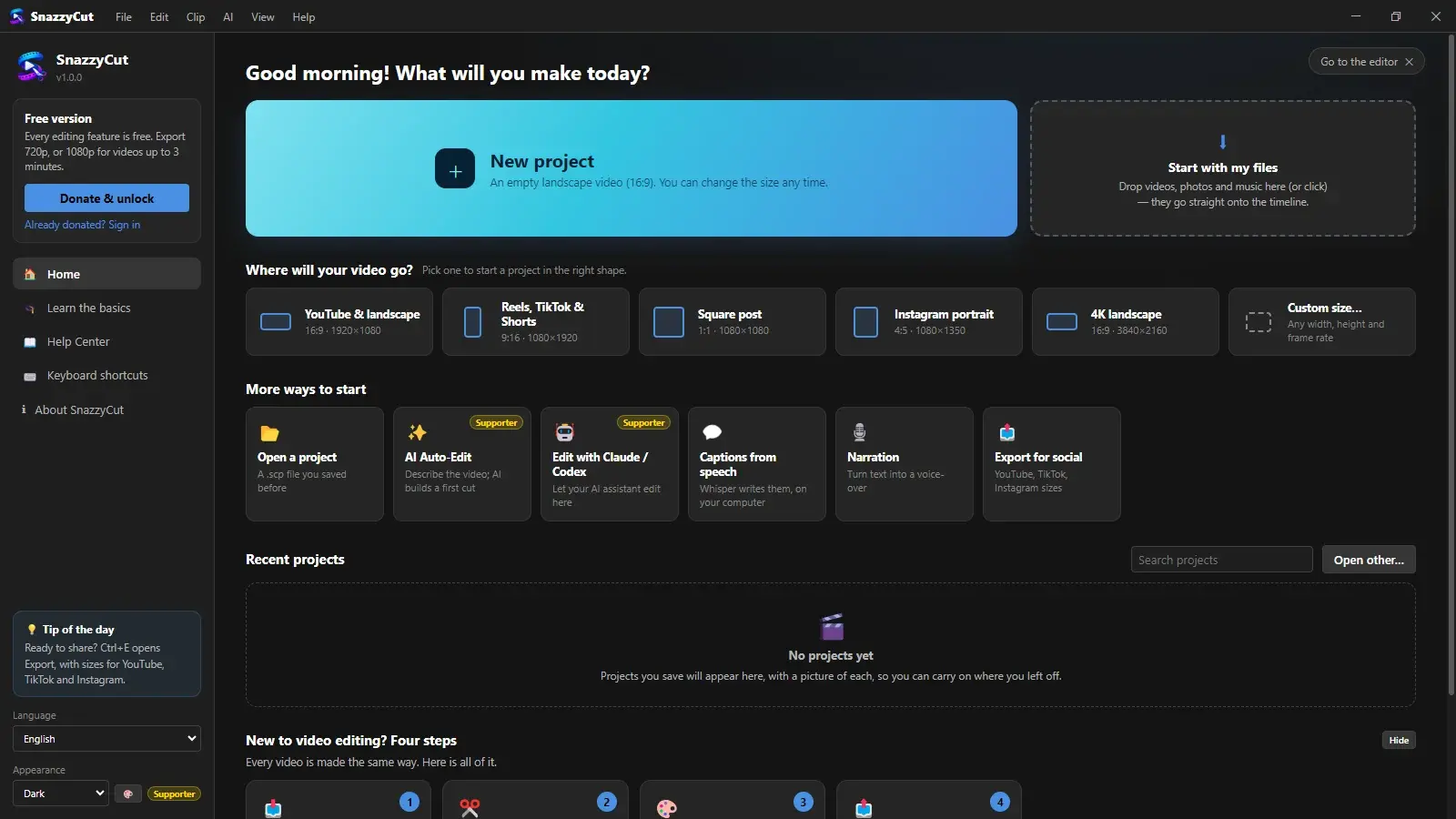
Start with your files
Drop videos, photos and music on the Home screen: you get a project in the right shape with everything on the timeline, ready to play.
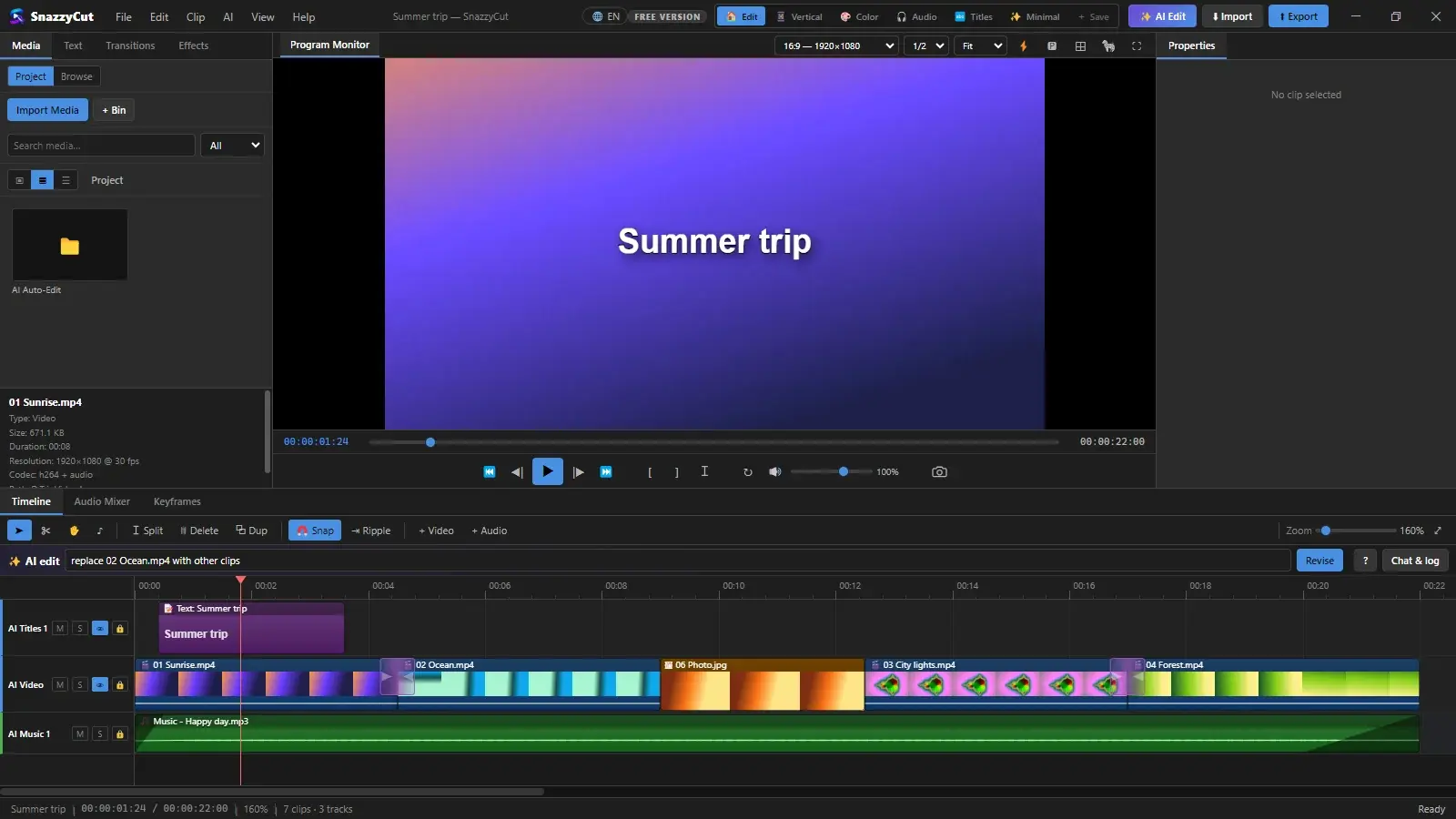
AI Auto-EditSupporter
Describe the video you want; the AI looks at your footage and builds an editable cut with music and titles. Ask for changes in plain words.
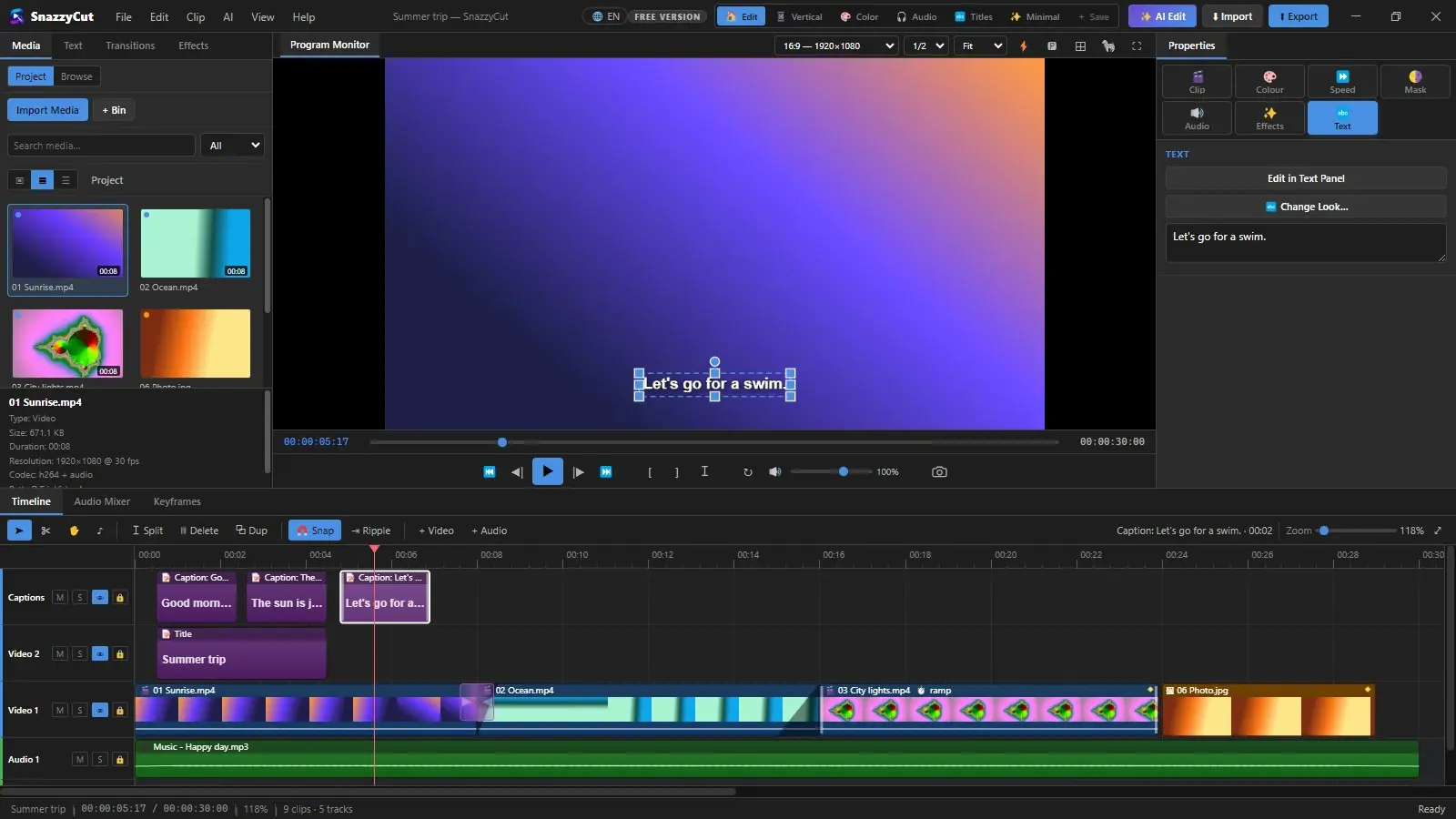
Captions from speech
Whisper writes timed captions on your own computer. Nothing is uploaded.
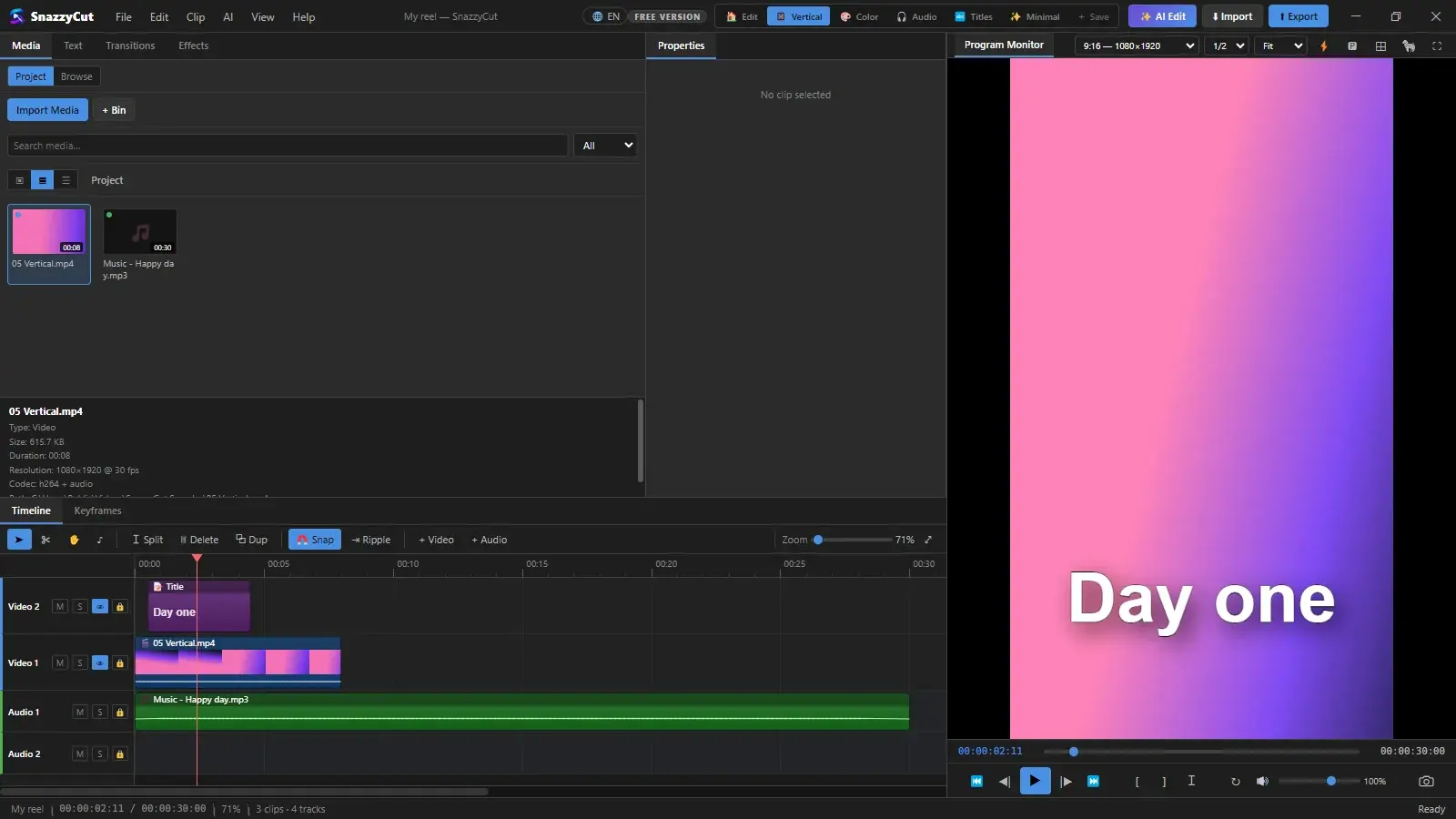
Made for Reels, TikTok & Shorts
Pick the shape first — 9:16, 1:1, 4:5 or 16:9 — and the editor switches to a layout for it.
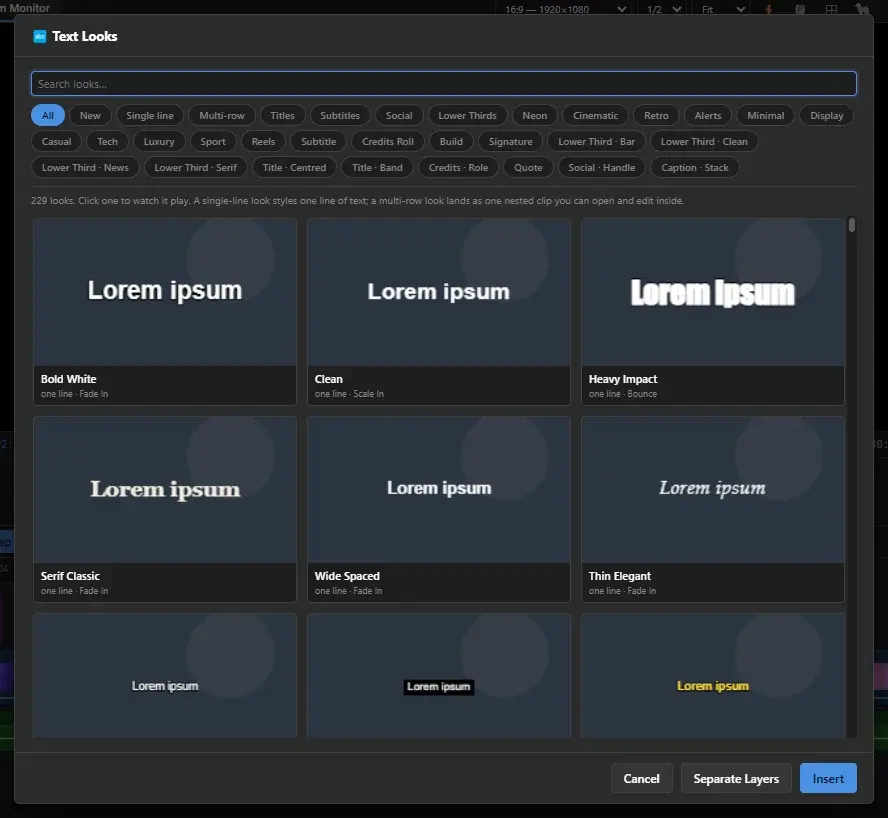
Titles that look designed
Hundreds of ready-made looks and animations, transitions and effects — all free.
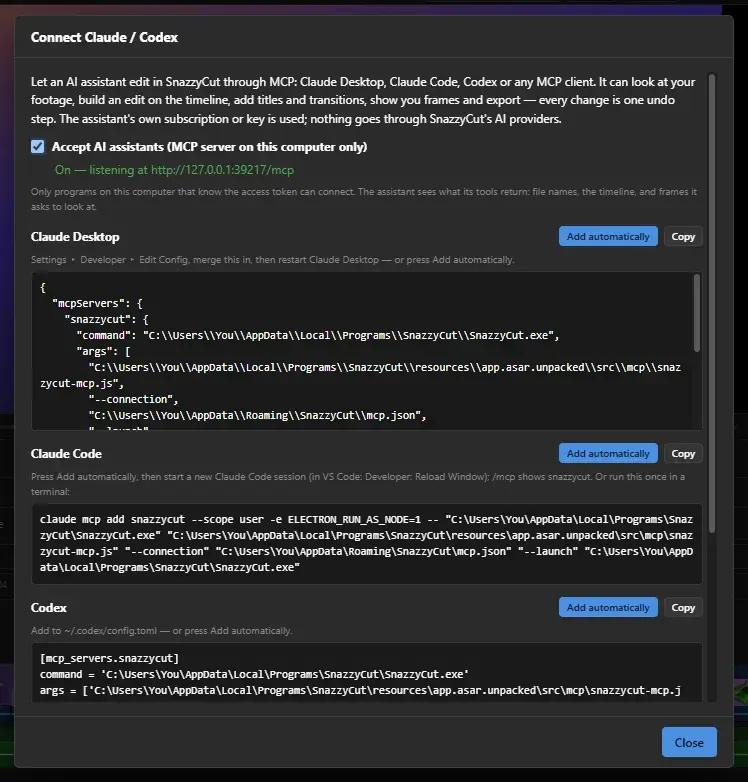
Edit with Claude or CodexSupporter
Connect your AI assistant and let it edit in SnazzyCut while you watch — every change can be undone.
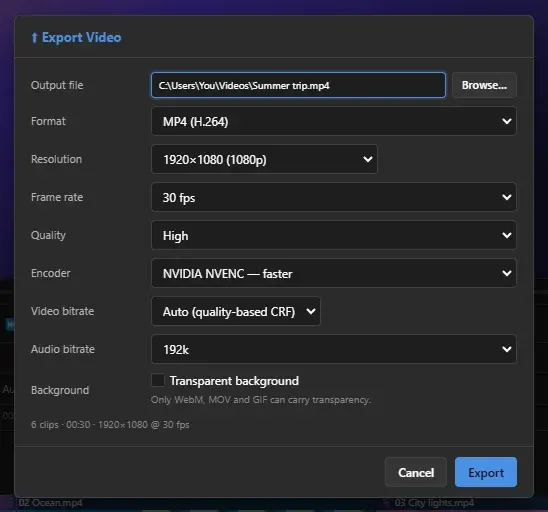
Export for every platform
Sizes for YouTube, TikTok and Instagram, hardware encoding when your PC has it. Free: 720p as long as you like, 1080p for videos up to 3 minutes.
Make it yoursSupporter
Light, Midnight, Paper, Brutalism, high contrast — or your own colours. Five languages built in.
Freefor everyone
- Every editing feature: timeline, titles, transitions, effects, colour, keyframes, audio mixer
- Captions and narration, offline
- Export 720p as long as you like, 1080p for videos up to 3 minutes
- No watermark, no time limit
Supporterpay what you want from $5
- Full-resolution export: 1080p of any length, 4K
- AI Auto-Edit with your own AI key
- Edit with Claude or Codex (MCP)
- Colour themes and your own colours
- No reminders — once, for life, on one computer